
Build a website that represents your business and applications that support how it works. Cantabridge Technologies develops company websites, customer portals, e-commerce platforms, and custom web applications—from interface design and backend development to integrations, deployment, and support.
Discuss Your Web ProjectOur Perspective
Every Page Should Help Someone Take the Next Step
A visitor may need to understand your services, compare products, or send an enquiry. A customer may need to book an appointment or check an order. Your employees may need to review a request and move it forward.
We plan the experience around those tasks. That means giving content a clear structure, keeping navigation understandable, and connecting forms and features to the systems that handle the work behind them.
What We Deliver
From Interface Design to Working Application Code
We design the screens people use and develop the logic, databases, and integrations behind them. Your project can cover a new build, an existing website redesign, or additional features for a working application.
Website Planning & UI Design
Define pages, content structure, navigation, and user journeys, then design layouts for desktop and mobile use.
Frontend Development
Build responsive pages, forms, and interactive features around the approved design and user requirements.
Backend & Database Development
Develop application logic, APIs, and data structures for records, transactions, and business workflows.
Accounts & Access Management
Build sign-in, account recovery, and role-based access around what different users should be able to see and do.
Business Integrations
Connect payment services, CRM, email, analytics, and other tools through suitable interfaces.
Performance, Accessibility & SEO Setup
Review loading behavior, keyboard access, page structure, and metadata within the agreed testing and optimization scope.
Hosting & Production Deployment
Configure the agreed hosting environment, domain connection, HTTPS, and application release process.
Maintenance & Feature Development
Investigate issues, maintain integrations, and add content or application features as your requirements change.
What We Can Build
A Website for Your Customers. Tools for Your Team.
From a company website to a system that manages daily operations, we define the pages, features, and connections around the work it needs to support.
 01
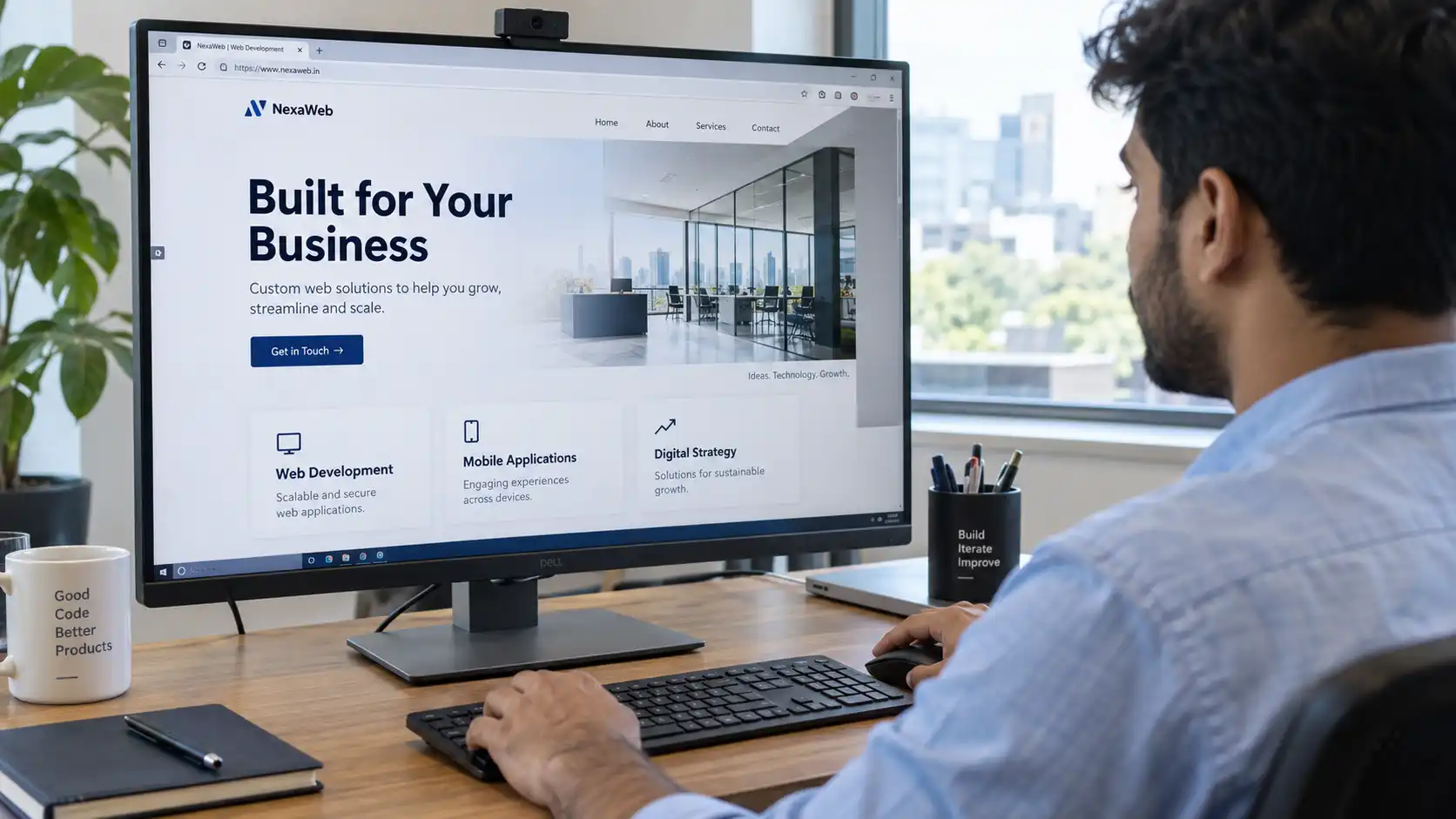
01Business & Corporate Websites
Present your company, services, and work through clearly structured pages. Build enquiry forms and relevant calls to action so visitors can understand your offer and contact the right team.
Useful for: Businesses establishing or updating their online presence.
 02
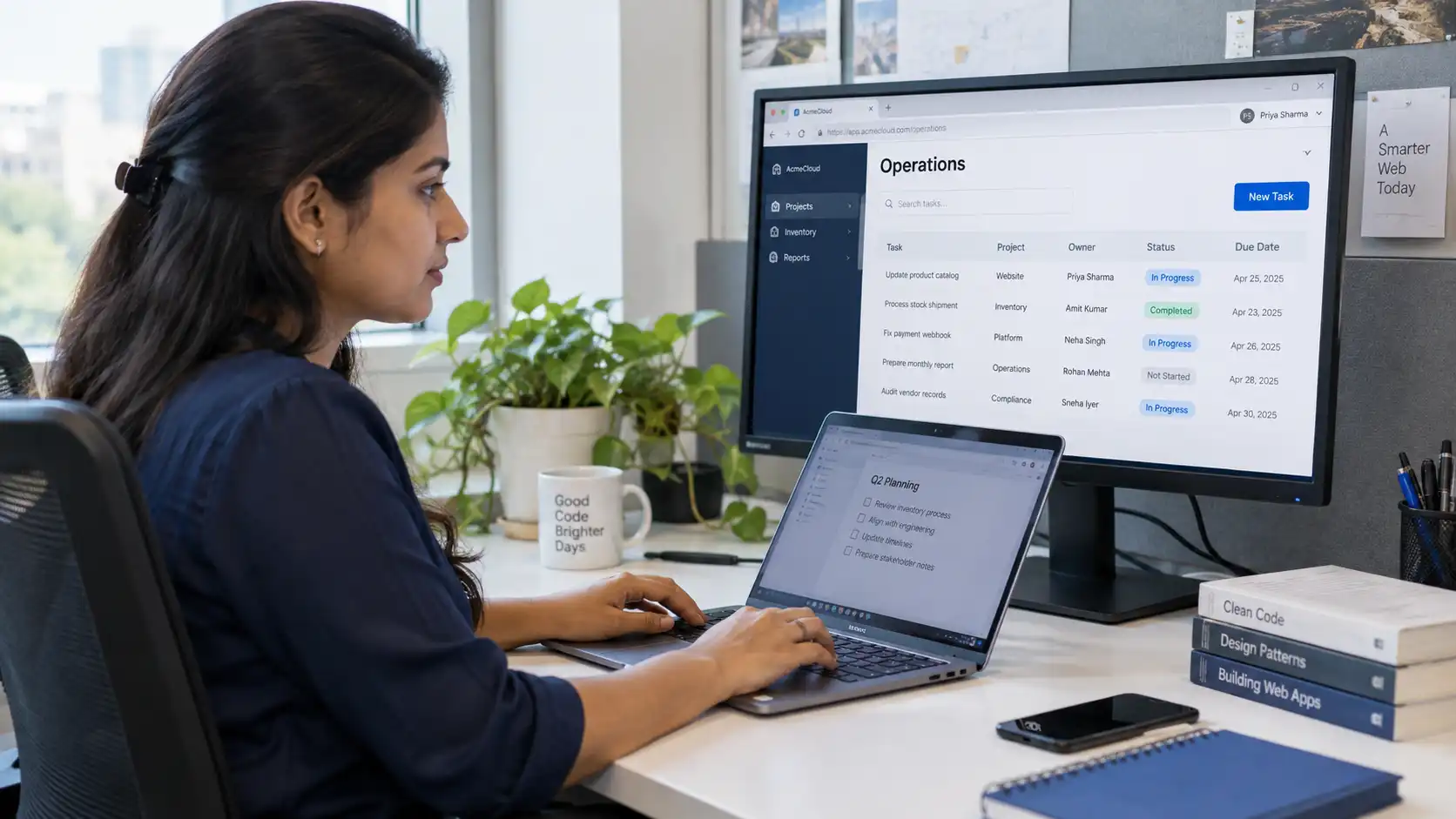
02Custom Business Applications
Develop software for processes that spreadsheets or separate tools are difficult to manage. Create forms, records, permissions, and workflows for requirements such as inventory, expenses, or internal requests.
Useful for: Teams that need software around a specific operational process.
 03
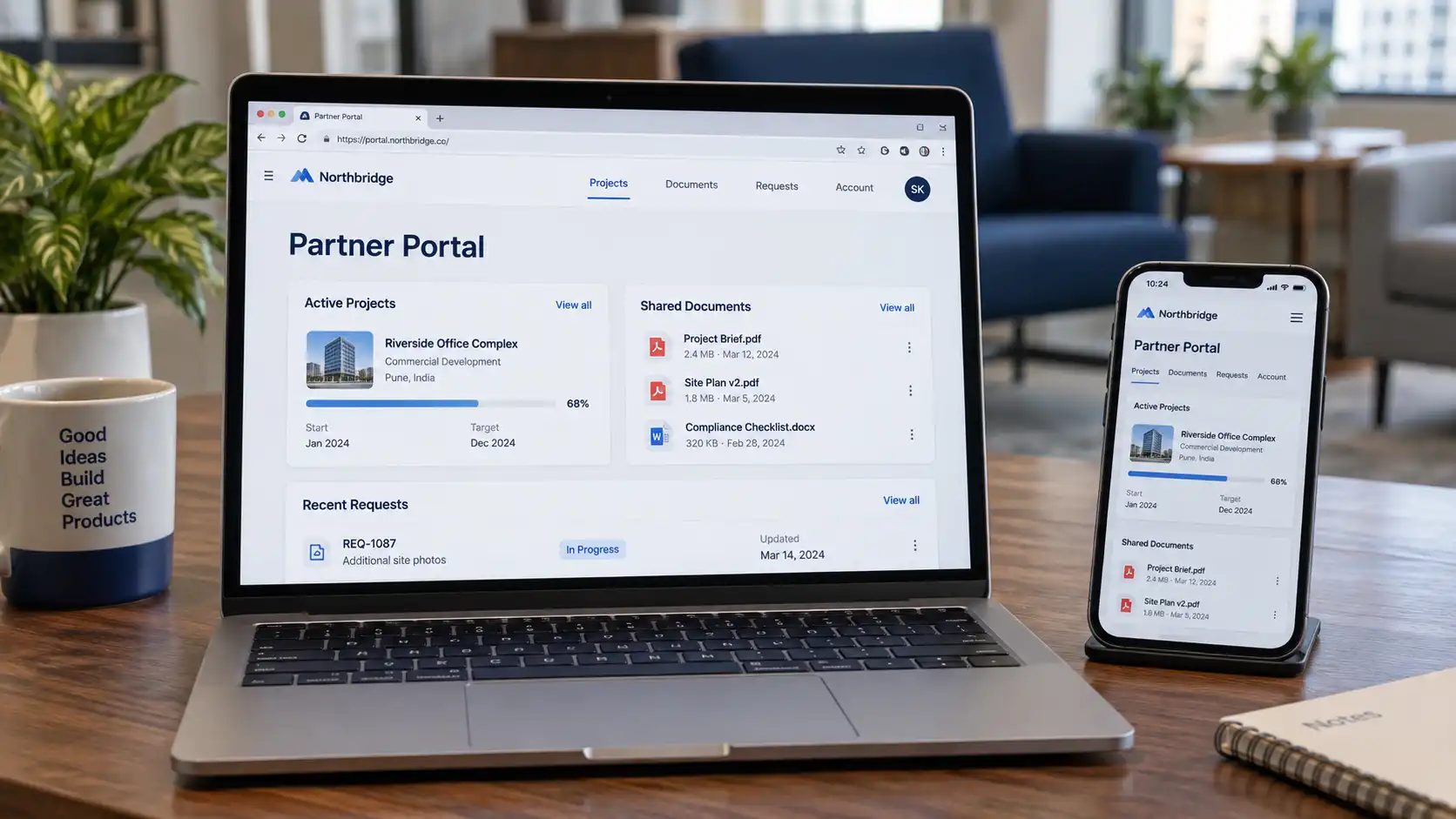
03Customer & Partner Portals
Give customers or partners a place to sign in, access relevant records, share documents, and track requests. Connect the portal to the internal systems that manage those activities.
Useful for: Businesses coordinating ongoing customer or partner relationships.
 04
04E-commerce Websites
Build product pages, browsing and search features, carts, and checkout integrations. Scope order management, customer accounts, and other store functions around the way you sell and fulfil orders.
Useful for: Businesses selling products online.
 05
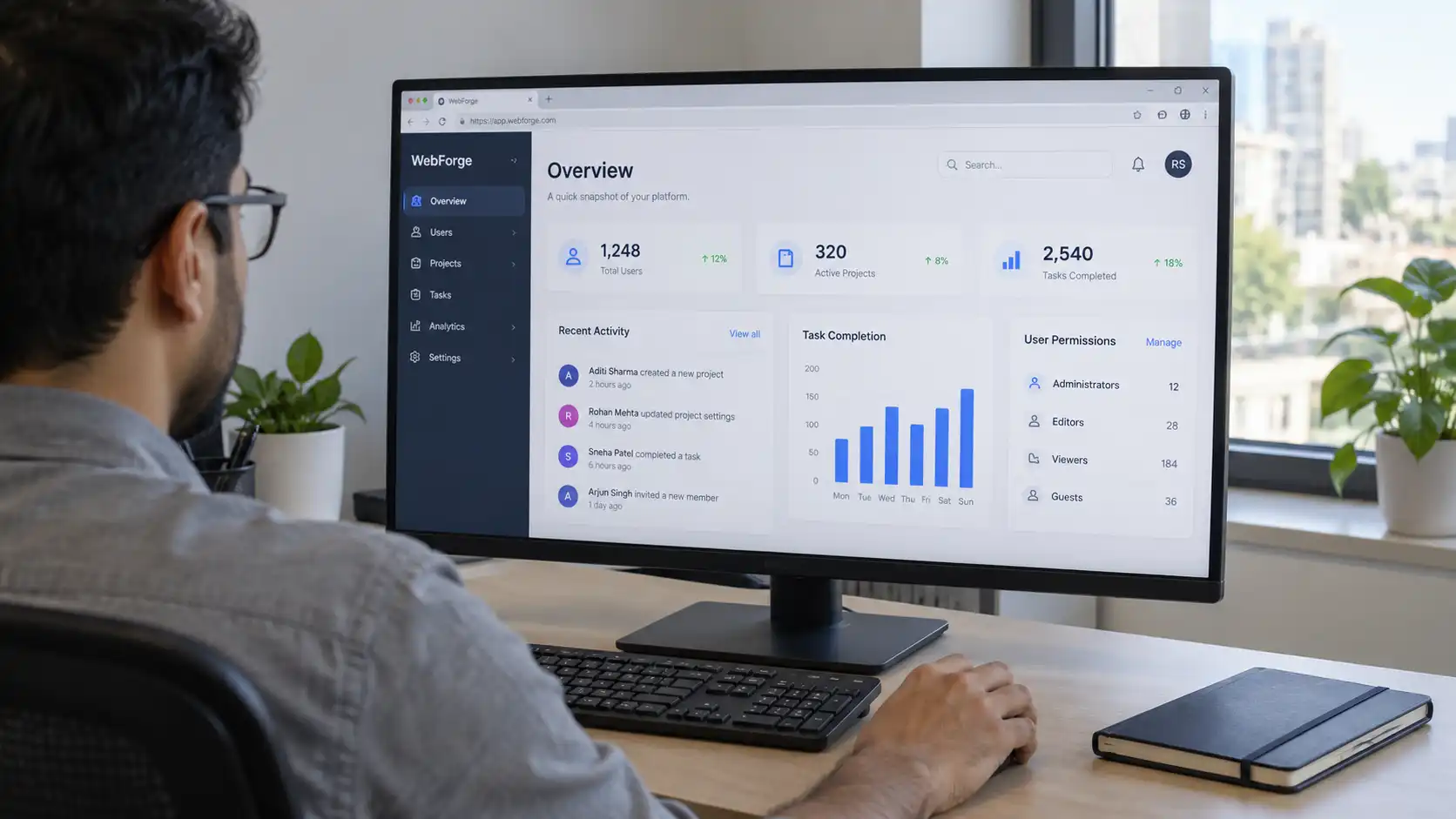
05Admin Panels & Operational Dashboards
Create a workspace for managing records, reviewing activity, and tracking outstanding work. Organize controls and reports by user role so each team can access the information it needs.
Useful for: Managers and staff operating an application or service.
 06
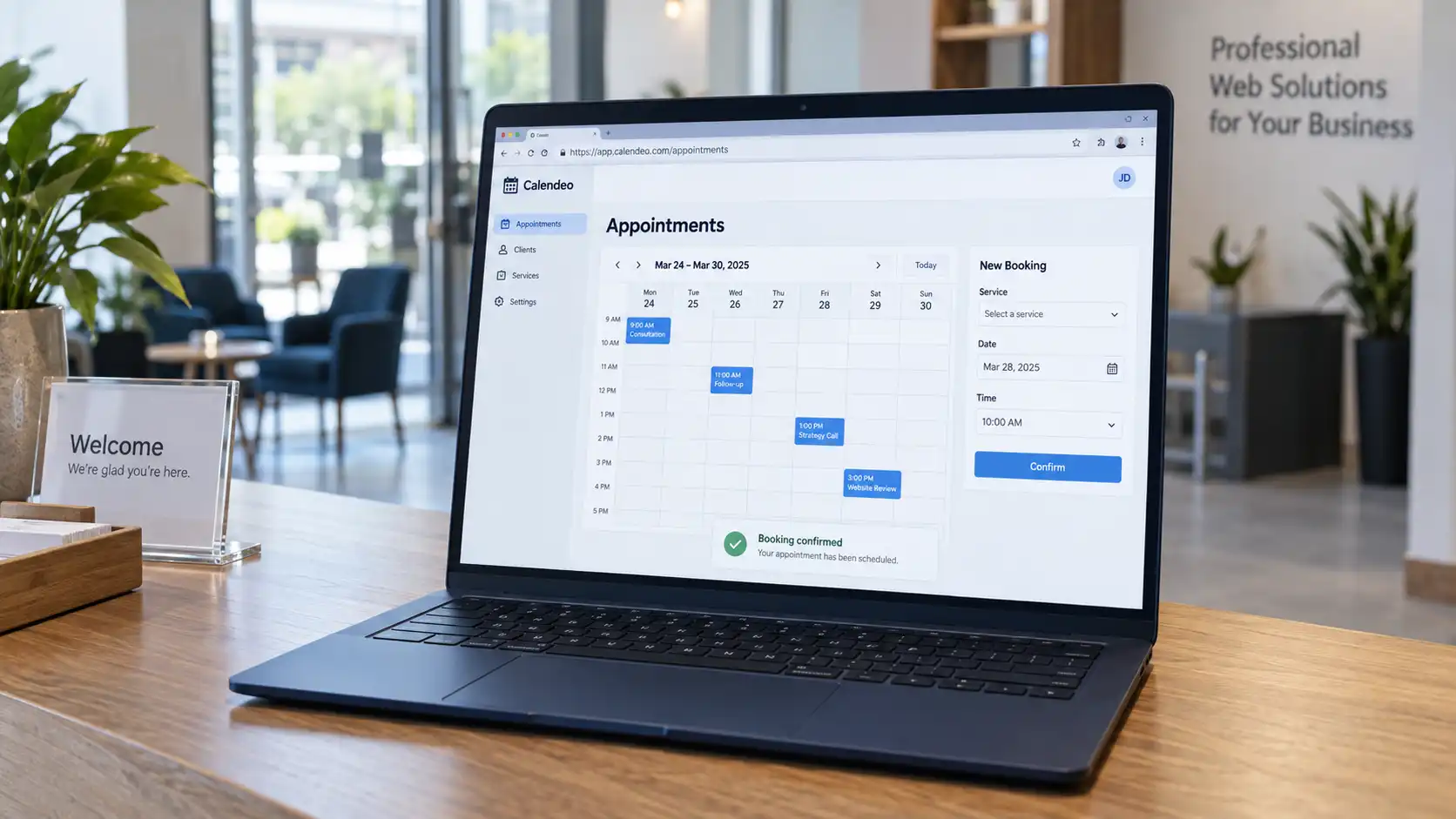
06Booking & Appointment Systems
Let users choose a service, view available slots, and submit a booking. Add confirmations, rescheduling, staff calendars, or payment integration where the process requires them.
Useful for: Service businesses managing appointments or scheduled sessions.
 07
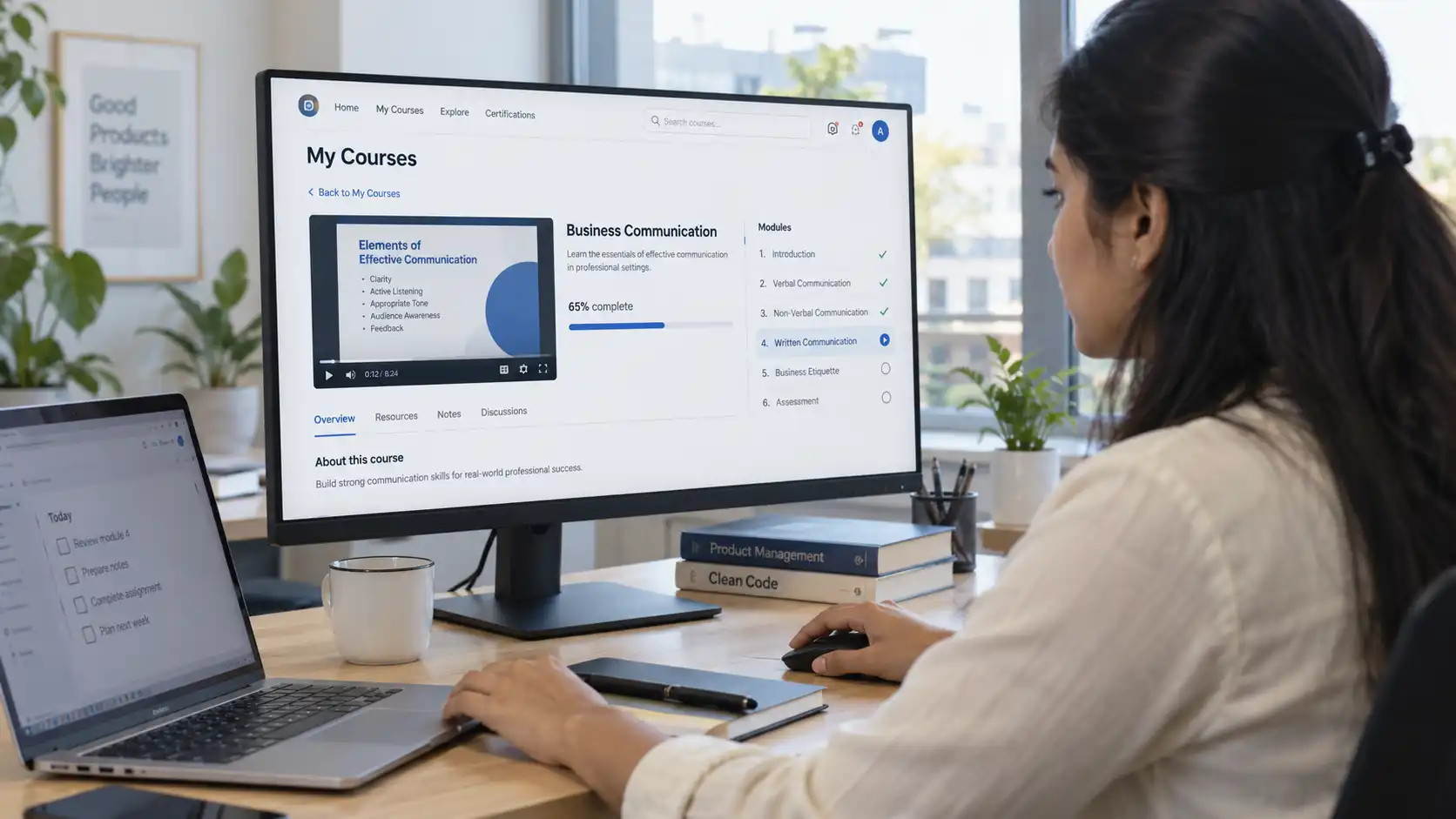
07Learning & Course Platforms
Build course pages, enrollment flows, learner accounts, and administrative tools. Scope features such as lesson access, attendance, assessments, progress tracking, and certificates around the learning model.
Useful for: Training providers, educators, and organizations delivering online learning.
 08
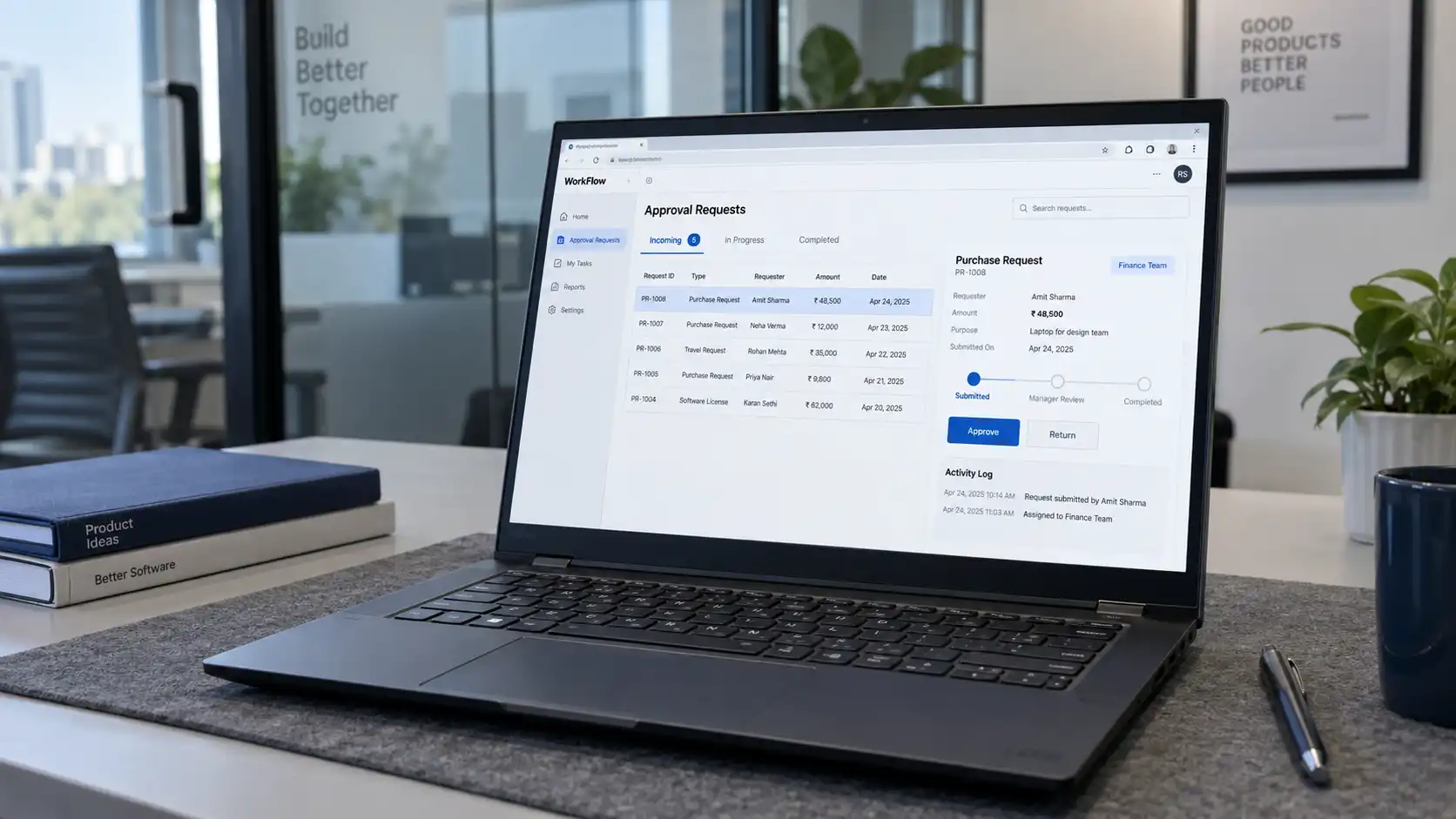
08Workflow & Approval Systems
Move requests through defined stages with assigned owners, review steps, and status updates. Keep records of actions so teams can see what is pending and who needs to act next.
Useful for: Businesses coordinating approvals and work across departments.
Have a Different Web Project in Mind?
Tell us who will use it, what they need to do, and which tools it needs to connect with. We’ll help define the features and development work involved.
How It Comes Together
Connect the User Experience with the Work Behind It
A web project brings together the interface, application logic, data, and deployment environment. We include the layers the project needs and define how they work together.
Present content, navigation, forms, and actions across the agreed screen sizes.
Handle requests, check permissions, and apply the rules behind each feature.
Store and organize the records, files, and page content the application uses.
Exchange agreed information with payments, CRM, messaging, and other connected tools.
Run the application with the deployment, backups, and monitoring included in scope.
Business Outcomes
Make It Easier to Find, Use, and Manage Your Services
Clearer Customer Journeys
Help visitors understand your offer and complete actions such as enquiries, purchases, and bookings.
Less Repeated Data Entry
Connect forms and application records with the systems your team uses to process them.
Better Visibility into Work
Give authorized staff access to current records, pending tasks, and relevant reports in a shared workspace.
A Foundation for Future Features
Organize application code, data, and documentation so subsequent changes can be planned and maintained.
Our Approach
Define the Experience. Build and Review the Details.
Understand the Users and Goals
Discuss who will use the website or application, what they need to achieve, and the business requirements behind it. Agree on the essential launch scope.
Plan the Pages and Workflows
Map navigation, user journeys, content, and data requirements. Review the proposed layouts and technical approach before the build progresses.
Develop and Connect
Build the agreed frontend, backend, and integrations. Use working demonstrations to review features and discuss feedback during development.
Test the Complete Experience
Check the main user journeys, permissions, forms, integrations, and relevant devices and browsers. Review loading behavior and agreed accessibility and security checks before launch.
Launch and Hand Over
Deploy to the agreed environment, check the live workflows, and provide the required access and documentation. Define how maintenance and future changes will be handled.
Implementation & Support
Keep Your Website Working as Your Business Changes
We can support application updates, content changes, bug fixes, integration maintenance, and performance reviews after launch. Hosting responsibilities, backups, monitoring, and response arrangements are defined in the project or support scope so ownership is clear.
Frequently Asked Questions
What to Know Before Starting Your Web Project
01Do you build both websites and web applications?
Yes. We develop company websites as well as applications with accounts, records, transactions, and business workflows. The scope depends on whether people mainly need to read information or complete tasks through the system.
02Can you redesign our existing website?
Yes. We can review its structure, content, design, code, and integrations to decide what to retain and what needs updating. Where page addresses change, redirect planning can be included in the migration scope.
03Will the website work on mobile devices?
We plan responsive layouts and test the agreed user journeys across relevant screen sizes and browsers. Navigation, forms, and interactive features are reviewed as part of that work.
04Will we be able to update content ourselves?
If your team needs editing access, we can include a suitable content management system or admin interface. We define which content should be editable and the permissions needed. Content editing tools are scoped according to your requirements.
05Can you integrate payments, CRM, and other services?
We assess the available interfaces, account requirements, and permissions for each service. Examples include payment gateways, Salesforce, email tools, calendars, and existing internal applications.
06Do you include SEO in web development?
We can include page structure, metadata, descriptive URLs, sitemap setup, and agreed technical checks. Content creation, keyword research, and ongoing SEO work are scoped separately where needed. Development work does not include a guarantee of search rankings.
07Can you add AI features to our website or application?
We can assess features such as an assistant using approved information, enquiry qualification, or document processing. The implementation depends on the workflow, data access, model services, and review requirements involved.
08Will we receive the source code and project access?
Source-code handover, documentation, hosting access, and ownership terms are defined in the agreement. We also identify third-party services and licensed components so you understand what is included and what needs an ongoing subscription.
09How much will the project cost, and how long will it take?
The scope depends on page and feature requirements, design work, integrations, content readiness, and testing. We provide a proposed timeline and cost breakdown after reviewing these details, including relevant external service costs.
010Can you maintain the website after launch?
Yes. We can agree on a support plan for updates, fixes, integrations, and other maintenance needs. New features and work outside that plan are scoped separately.
Let’s Discuss Your Project
What Do You Want Your Website to Do?
Share the pages, features, or business process you have in mind. Whether you are planning a new website or improving an existing application, we’ll help define the work and a practical starting point.
Discuss Your Web Project