
Give your teams a clearer view of every enquiry, customer, and next step. Cantabridge Technologies provides Salesforce consulting, implementation, customization, and integration services to help you manage sales, coordinate support, and reduce routine CRM work.
Discuss Your Salesforce RequirementsOur Perspective
Make Your CRM Part of How Work Gets Done
Customer records are useful when they help someone take the next action. Your sales team needs to know which enquiry to follow up. Your support team needs the context behind a request. Managers need a view of outstanding work they can rely on.
We configure Salesforce around those needs, with relevant fields, clear ownership, and workflows that reflect your operations. For an existing setup, we start by identifying where data, automation, or the user experience is getting in the way.
What We Deliver
Salesforce Setup, Development, and Ongoing Support
Whether you are introducing Salesforce or improving an existing environment, we scope the configuration, development, and integrations around your requirements. We also plan data preparation, testing, and user handover as part of delivery.
Salesforce Consulting
Review your sales and service processes, current CRM challenges, and priorities to define a practical implementation or improvement plan.
Implementation & Configuration
Set up the agreed records, fields, page layouts, permissions, and team access needed to start using Salesforce.
Custom Salesforce Development
Develop custom business logic and interfaces using Apex and Lightning Web Components where the requirements call for code.
Workflow Automation
Build agreed routing, task creation, record updates, and approval steps using Salesforce Flow and suitable platform tools.
Application Integration
Connect Salesforce with websites, internal applications, and other business software through available interfaces.
Data Migration & Cleanup
Map existing information to Salesforce, resolve agreed data issues, test imports, and validate the migrated records.
Reports & User Enablement
Create useful reports and dashboards, then guide users through the workflows they need for their roles.
Administration & Support
Maintain agreed configurations, investigate issues, and refine automation, reports, and integrations within the support scope.
Where Salesforce Can Help
Connect Customer Information with the Next Action
These examples show the workflows we can configure or develop around your operations. Features and integrations depend on your Salesforce setup, licenses, and project scope.
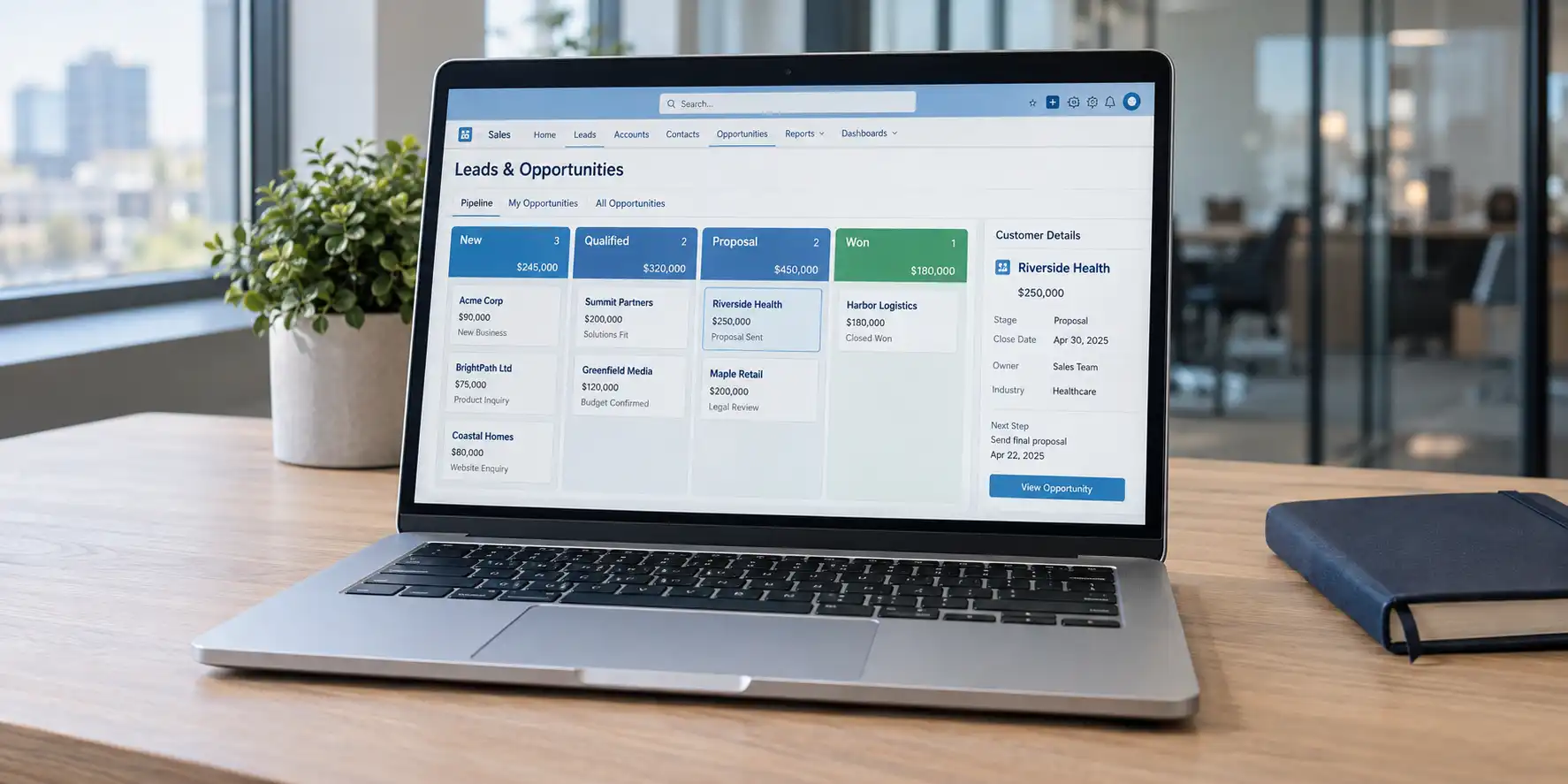 01
01Lead & Opportunity Management
Capture enquiries, assign owners, and track progress through agreed sales stages. Bring customer details, follow-up tasks, and opportunity updates together so the team can see what needs attention.
Useful for: Sales teams managing enquiries and active deals.
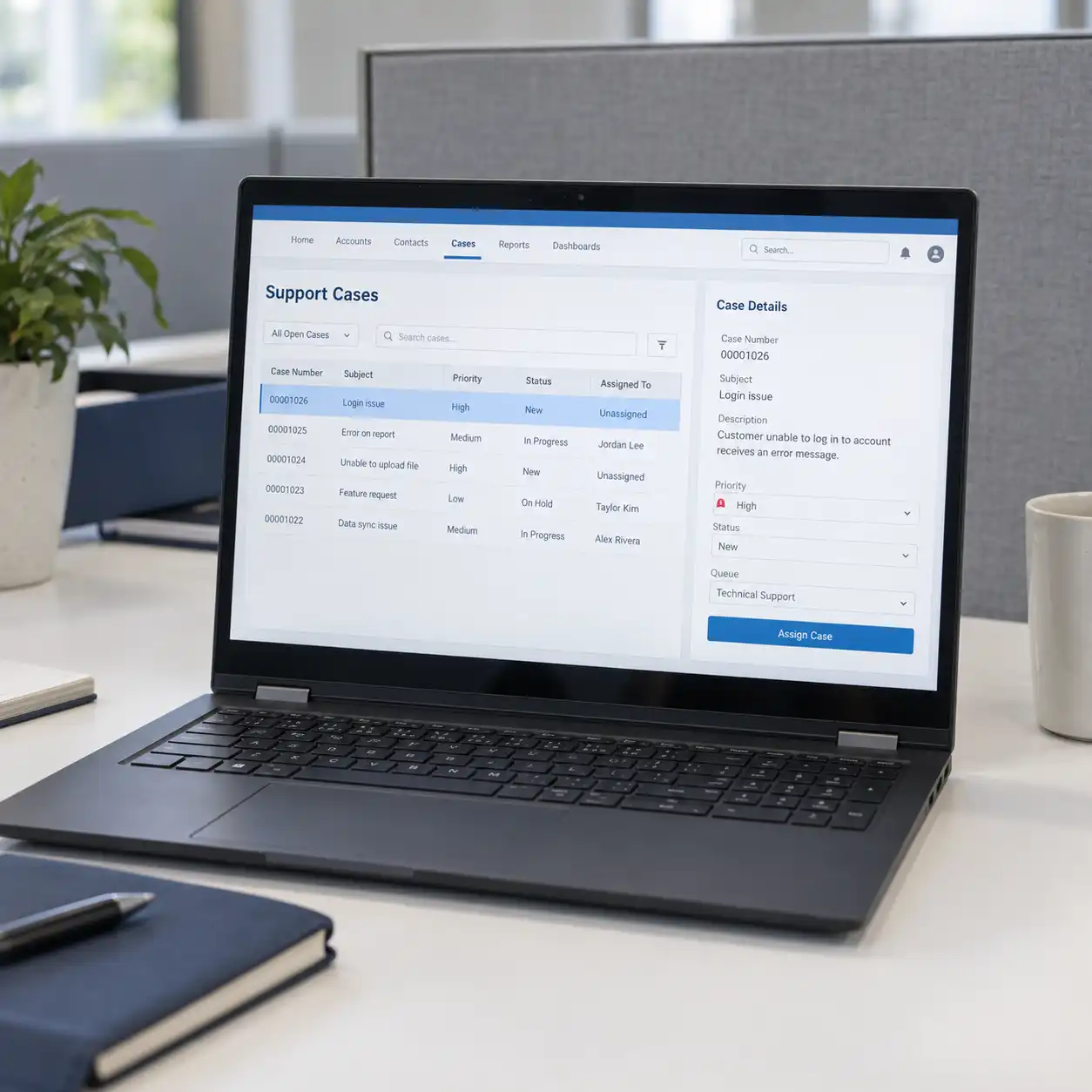 02
02Customer Support & Case Routing
Organize support requests by category, priority, and responsible team. Define assignment and escalation rules so unresolved cases can reach the appropriate person with the relevant customer context.
Useful for: Service teams coordinating incoming requests and handovers.
 03
03Approval Workflows
Route requests such as discount exceptions or record changes to the appropriate reviewer. Define the information needed, approval responsibilities, and what happens when a request is approved or returned.
Useful for: Teams relying on email or messages to coordinate sign-offs.
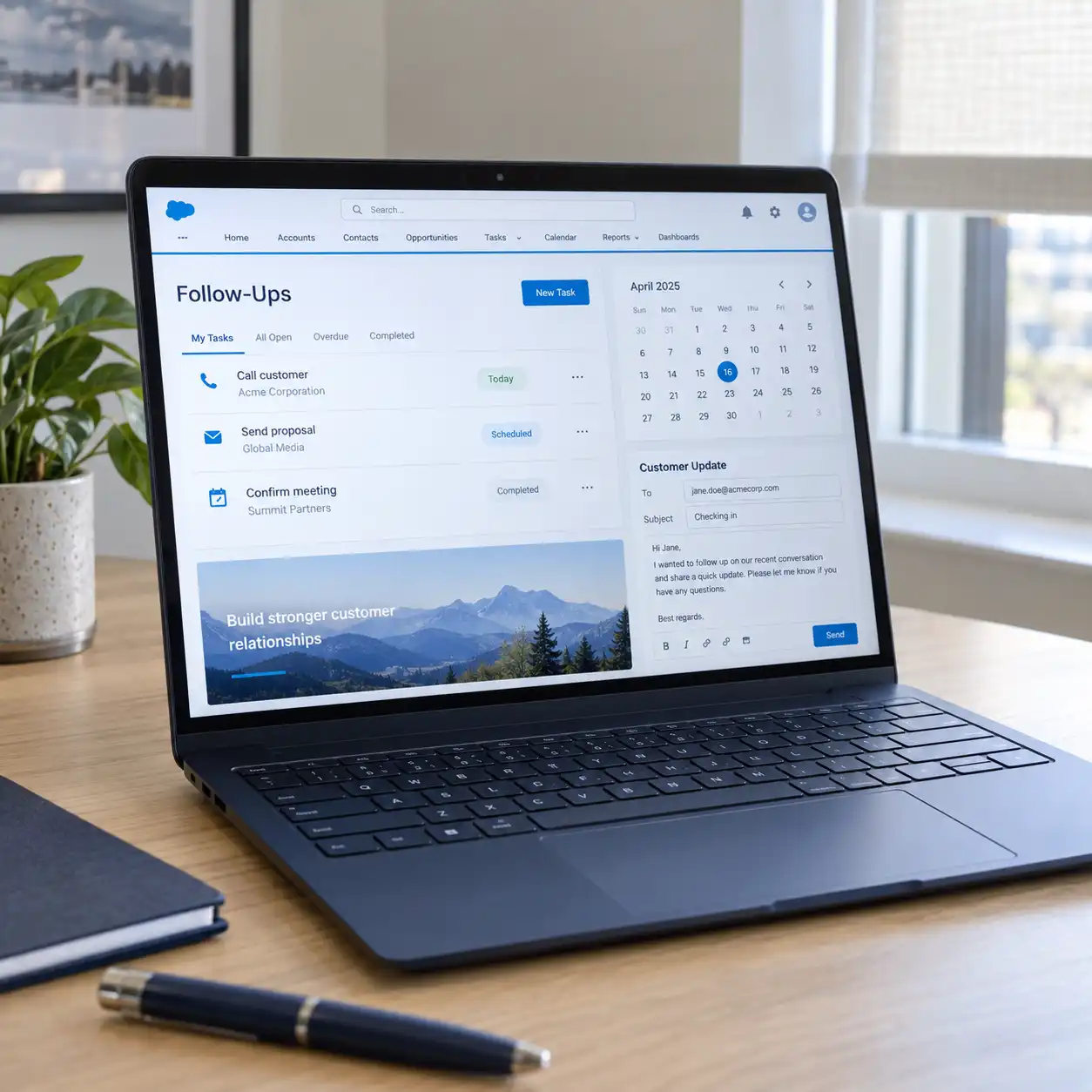 04
04Follow-Ups & Customer Updates
Create tasks, reminders, and approved notifications when defined events occur. Help teams maintain follow-up on enquiries, service requests, or upcoming customer milestones.
Useful for: Businesses with repeated customer communication steps.
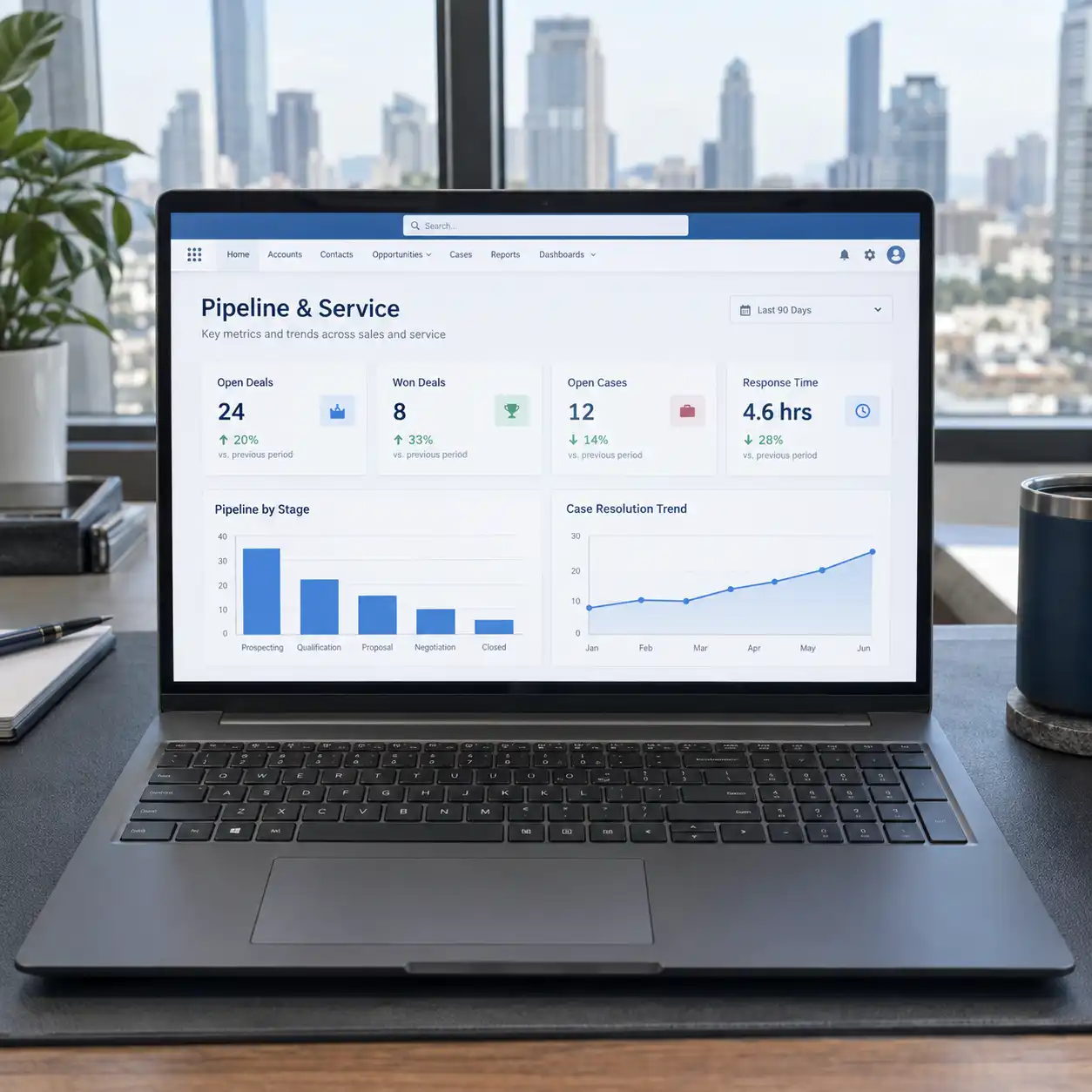 05
05Pipeline & Service Dashboards
Build reports around agreed questions: which deals are pending, which tasks are overdue, and which cases need attention? Organize the results by team, owner, or stage to support regular reviews.
Useful for: Managers who need a consistent view of sales and service activity.
 06
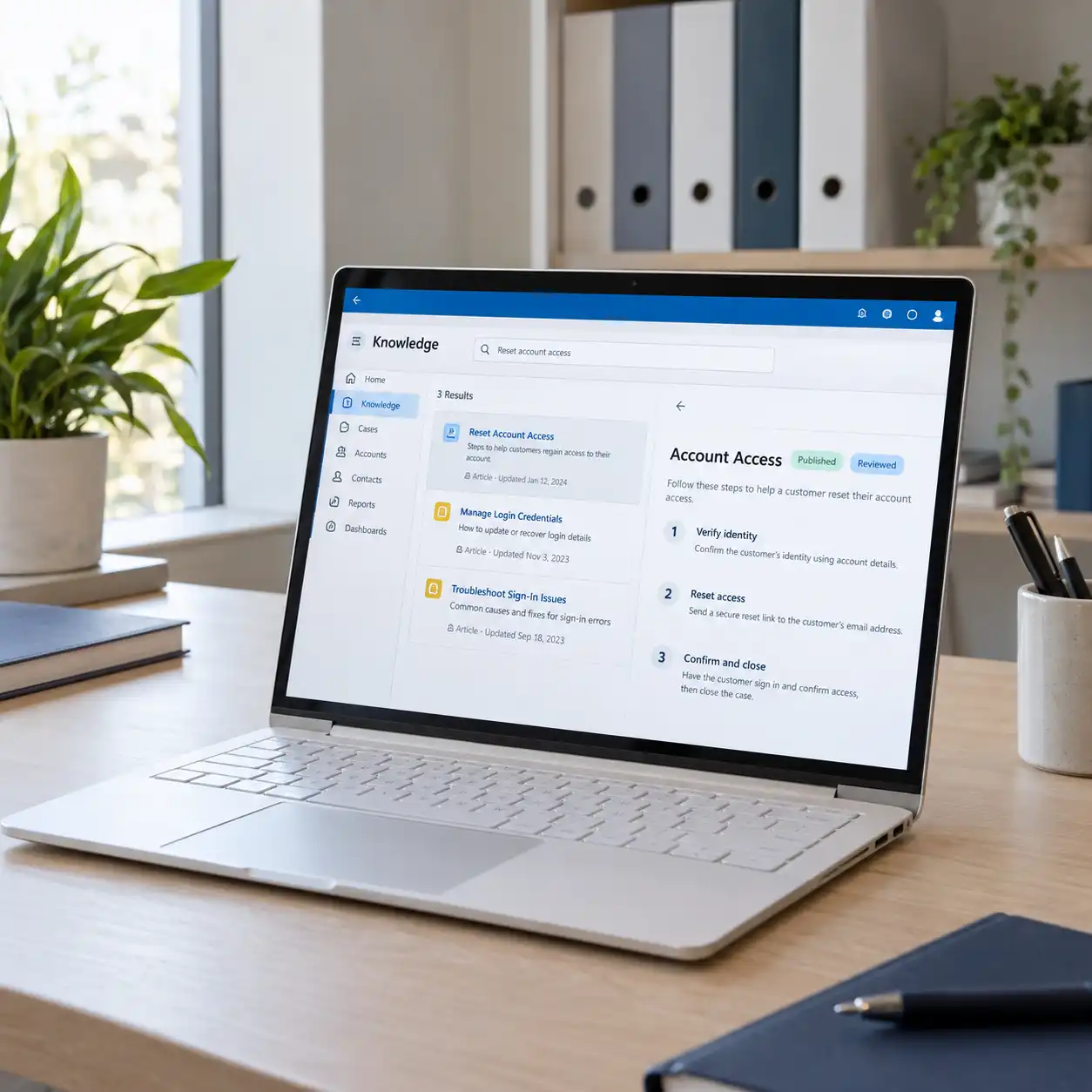
06Support Knowledge Management
Organize approved answers and service guidance for staff to use when handling requests. Define article ownership, review responsibilities, and appropriate access within the available Salesforce setup.
Useful for: Support teams handling recurring questions and procedures.
 07
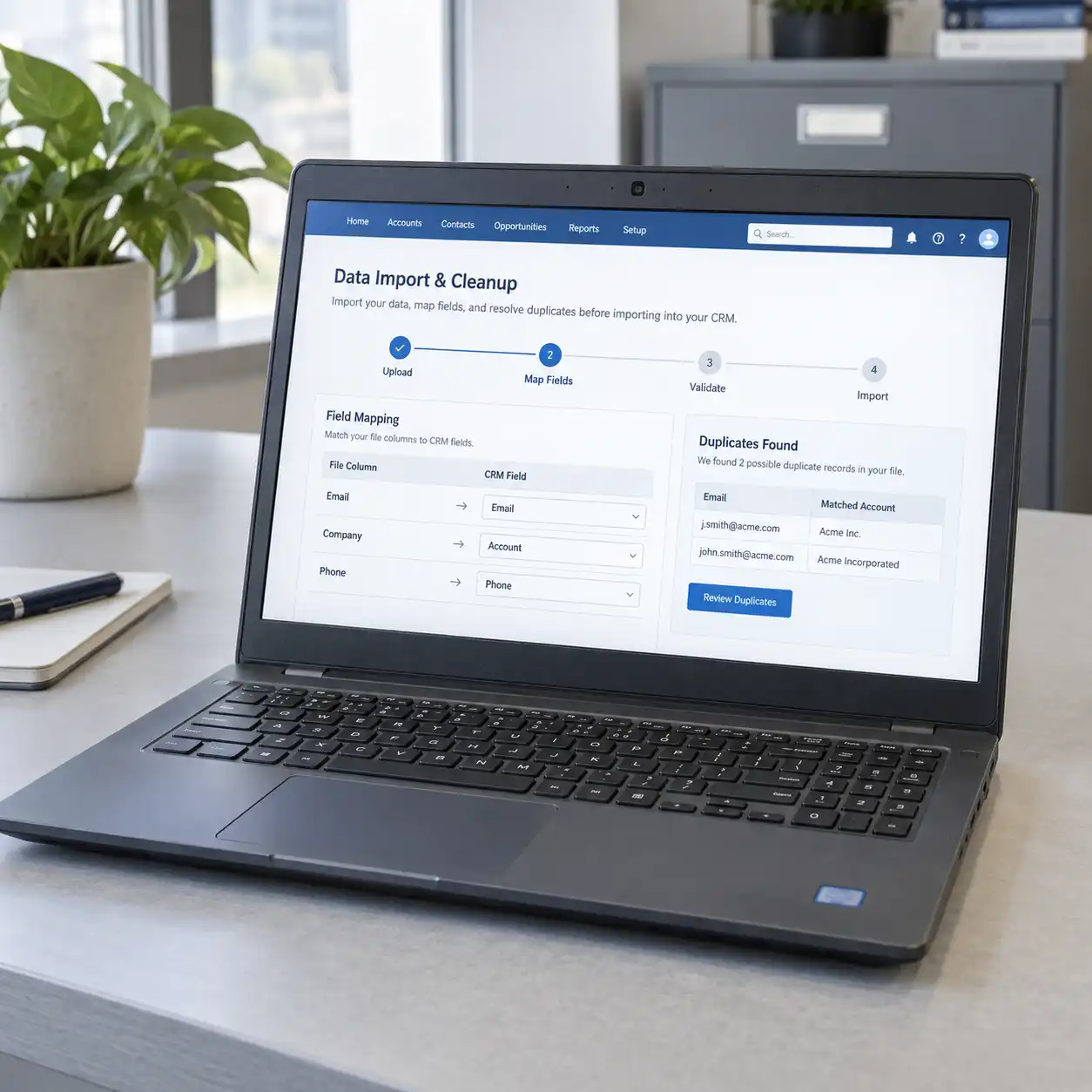
07CRM Data Cleanup & Migration
Bring agreed customer records from spreadsheets or another CRM into Salesforce. Review field mapping, duplicates, record relationships, and import results so users understand what has moved and what still needs attention.
Useful for: Businesses adopting Salesforce or consolidating fragmented CRM information.
 08
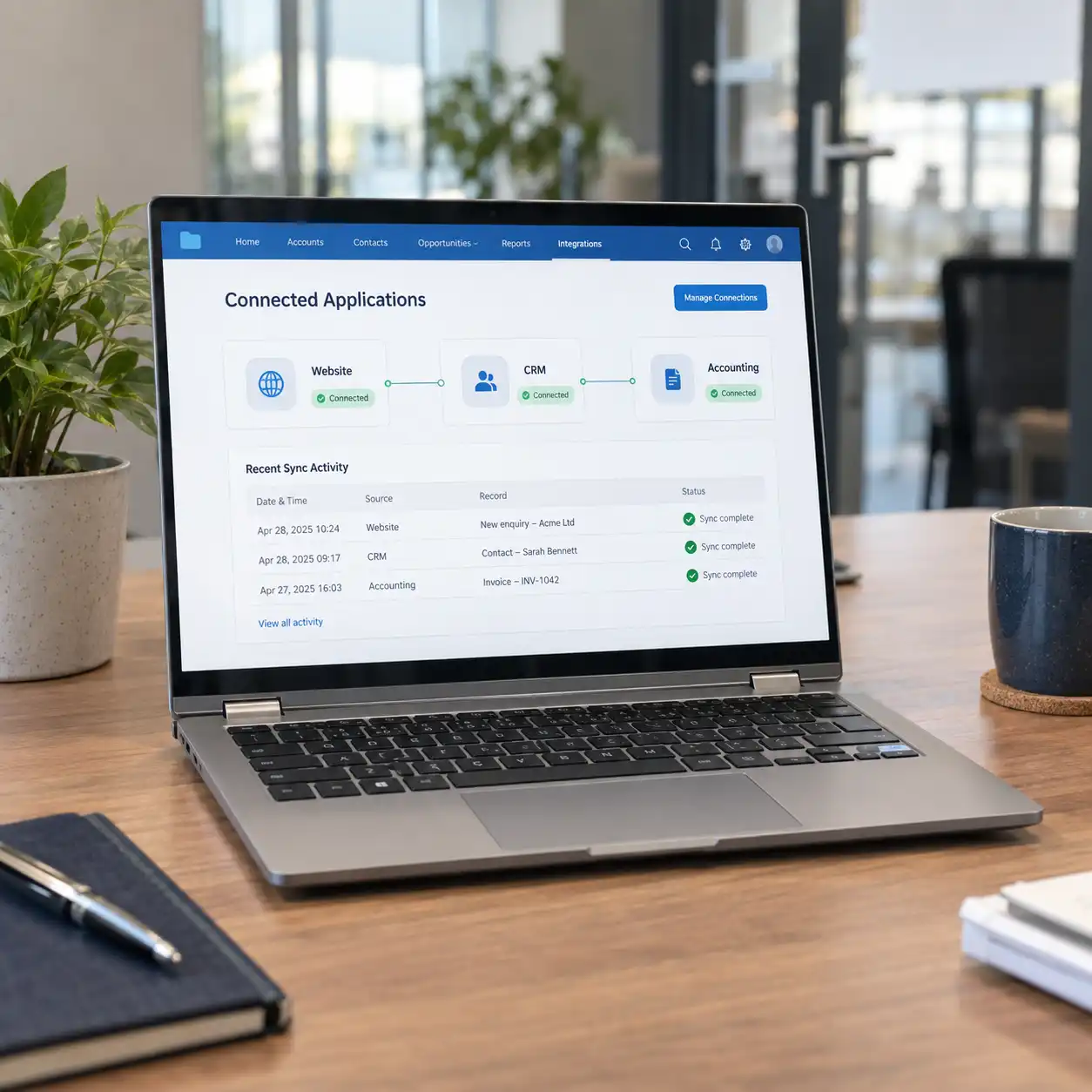
08Website & Business Software Integration
Connect website enquiries and selected ERP, accounting, or internal application data with Salesforce. Define which system owns each record, what should sync, and how failed updates will be handled.
Useful for: Teams copying information between Salesforce and other tools.
Need a Different Salesforce Workflow?
Tell us what your team needs to manage, automate, or connect. We’ll review the requirement and identify the configuration, custom development, or integration involved.
How It Connects
Bring Customer Data and Team Workflows Together
The solution connects incoming information, Salesforce records, team actions, and reporting. Access rules and integration responsibilities are defined across the setup.
Supply agreed information from websites, imports, and connected applications.
Organize customers, sales opportunities, and service information in the agreed data structure.
Guide ownership, follow-ups, stage updates, and relevant approvals.
Coordinate case handling, escalation, and access to support information.
Present the agreed measures and outstanding work to authorized users.
Business Outcomes
Make Salesforce Useful to the People Using It
Clearer Customer Context
Bring relevant records and activities together so staff can understand the customer before taking action.
Consistent Team Processes
Use agreed stages, ownership rules, and required information to make handovers easier to follow.
Less Repeated Administration
Automate selected updates, task creation, and data transfers that would otherwise require manual handling.
Easier Day-to-Day Use
Shape screens, reports, and guidance around each role so people can find and complete their work.
Our Approach
Plan Around Your Process. Review with Your Team.
Understand the Requirement
Discuss your goals, users, existing Salesforce environment, and current difficulties. Establish which workflows matter most.
Map Processes and Data
Define records, ownership, permissions, and integrations. Agree on launch priorities and the data preparation required.
Configure and Develop
Build the agreed configuration, automation, and custom features. Review working examples with your team as development progresses.
Test and Prepare Users
Test workflows, permissions, migrated data, and connected systems. Provide role-specific guidance and complete the agreed launch checks.
Launch and Refine
Support the agreed rollout and review issues encountered in use. Prioritize subsequent improvements within the maintenance or development scope.
Implementation & Support
Keep Salesforce Aligned with Your Operations
Your CRM needs attention as users, processes, and connected applications change. We can provide ongoing administration, automation troubleshooting, report updates, data-quality reviews, and integration maintenance. Support coverage and response arrangements are agreed around your environment.
Frequently Asked Questions
What to Know Before We Begin
01Can you improve an existing Salesforce setup?
Yes. We can review your configuration, automation, data, integrations, and user workflows. We then prioritize changes around the problems your team encounters and the outcome you want to achieve.
02Do you provide custom Salesforce development?
We can scope custom business logic, user interfaces, and integrations where configuration does not cover the requirement. The approach may include Apex or Lightning Web Components, with development and maintenance responsibilities agreed before work begins.
03Can Salesforce connect with our website or business software?
We assess the available interfaces, access permissions, and licensing for each system. The plan defines what data should move, which system is authoritative, and how errors or conflicting updates will be handled.
04Can you migrate our spreadsheets or existing CRM data?
Yes. Migration work can include source review, cleanup, field mapping, trial imports, and validation. We agree on the records and history to move, along with any information that needs correction before the transition.
05Will our team receive training?
We can include role-specific walkthroughs and documentation in the project. The focus is on the activities users need to perform, such as managing leads, updating opportunities, resolving cases, and using reports.
06Can we automate just one process first?
Yes. A project can begin with a defined workflow, such as enquiry assignment, approval routing, or follow-up tasks. We review its dependencies and test it with the relevant users before expanding the scope.
07Can AI agents work with our Salesforce records?
We can assess workflows such as preparing lead summaries, drafting follow-ups, or assisting with support information. The available approach depends on the selected tools, licenses, data access, and approvals required for the agent’s actions.
08Are Salesforce licenses included in your development fee?
The proposal will identify implementation and development charges separately from Salesforce licenses, third-party applications, and other applicable costs. Required features and access are reviewed during scoping.
09How long will implementation take?
The timeline depends on the workflows, custom development, integrations, data migration, and user testing involved. We provide milestones after reviewing the requirement and the information needed from your team.
010Do you offer support after launch?
Yes. We can define support for administration, configuration issues, automation, integrations, and reports. Coverage, response arrangements, and additional development are set out in the agreed support scope.
Let’s Discuss Your CRM
What Would You Like Salesforce to Do Better?
Share your current setup, the tasks your team handles, and what you want to improve. Whether you need a new implementation, custom development, or help with an existing workflow, we’ll discuss the work involved.
Discuss Your Salesforce Requirements