
Put AI to work on the tasks that take up your team’s day. Cantabridge Technologies builds custom AI agents to handle enquiries, process documents, find information, and move work between your business tools—with clear rules for when your team steps in.
Discuss Your AI RequirementsOur Perspective
Start with the Work You Want to Improve
Repetitive enquiries, scattered documents, and manual updates between systems are useful places to explore automation. The first step is understanding the task, the information it needs, and what a successful result looks like.
We assess where AI can help interpret information or prepare a response, and where a straightforward rule or integration is enough. Your solution is then shaped around the workflow, with defined actions and review points.
What We Deliver
From a Business Task to a Working AI Solution
We bring together agent development, business integrations, testing, and support. Each project defines what the agent can access, which actions it can take, and how its work will be checked.
Use-Case Planning
Identify a focused task, review the available information, and agree on how to assess the result.
Custom AI Agent Development
Build an agent around your instructions, business rules, and approved actions.
Workflow Automation
Connect steps such as receiving an enquiry, preparing a response, and updating a record.
Business Knowledge Integration
Connect approved documents and information sources so responses can be checked against their references.
Application Integration
Connect with your CRM, email, calendar, or internal software where suitable access is available.
Human Review & Handover
Define when work needs approval, when an agent should stop, and where a person takes over.
Testing & Deployment
Evaluate real examples, exceptions, and system connections before an agreed rollout.
Monitoring & Improvement
Arrange reviews of output quality, failures, usage, and changing requirements within the support scope.
AI Agents We Can Build
Choose a Workflow That Needs Less Manual Work
Explore eight applications for sales, customer service, and internal operations. Each is a starting point for a custom solution, with features and integrations agreed around your requirements.
 01
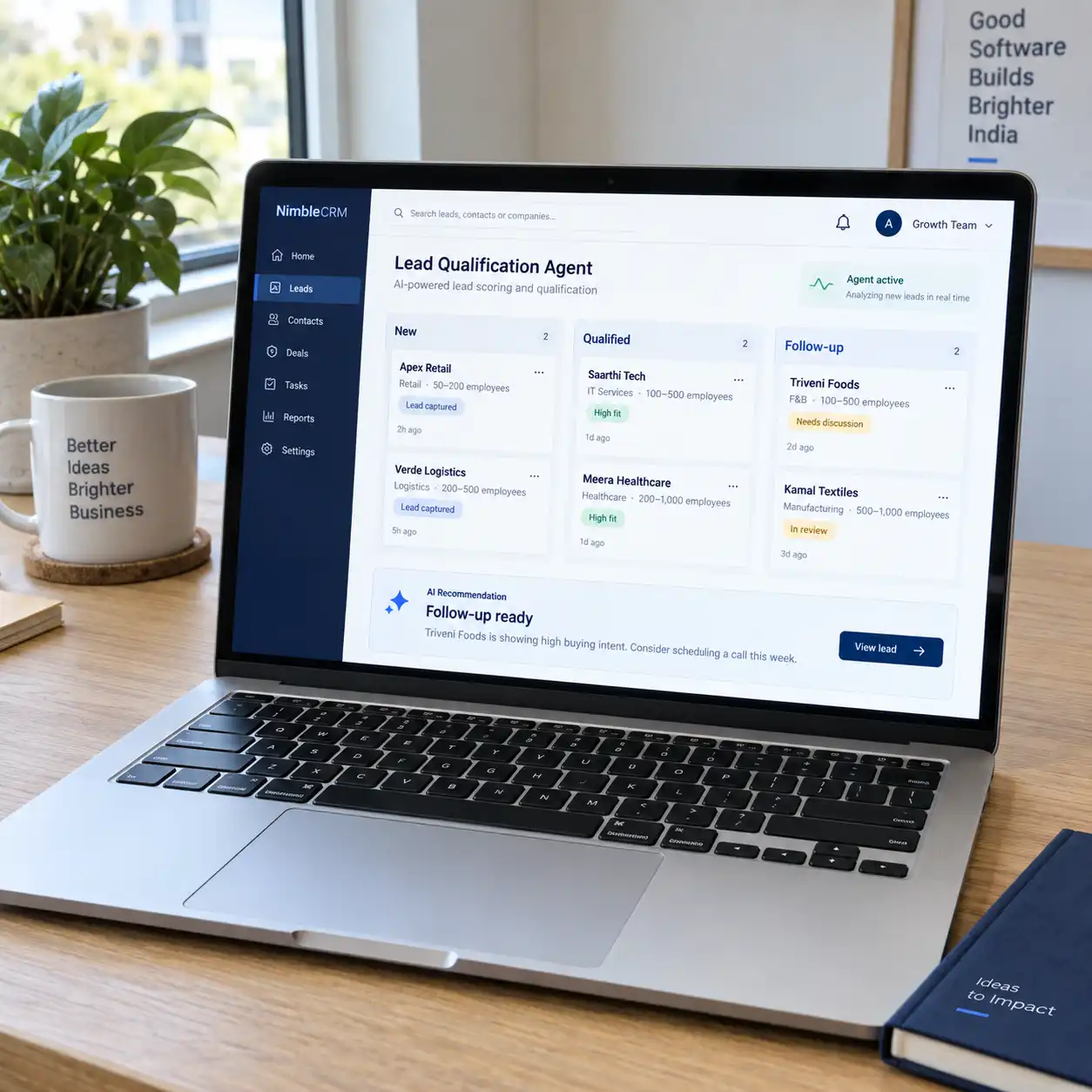
01Lead Qualification & Follow-Up Agent
Respond to inbound enquiries, collect missing details, and qualify leads using your criteria. Connect the workflow to your CRM to assign the right owner, prepare follow-ups, and offer meeting times from an approved calendar.
Best suited to: Businesses managing enquiries through websites, email, or chat.
 02
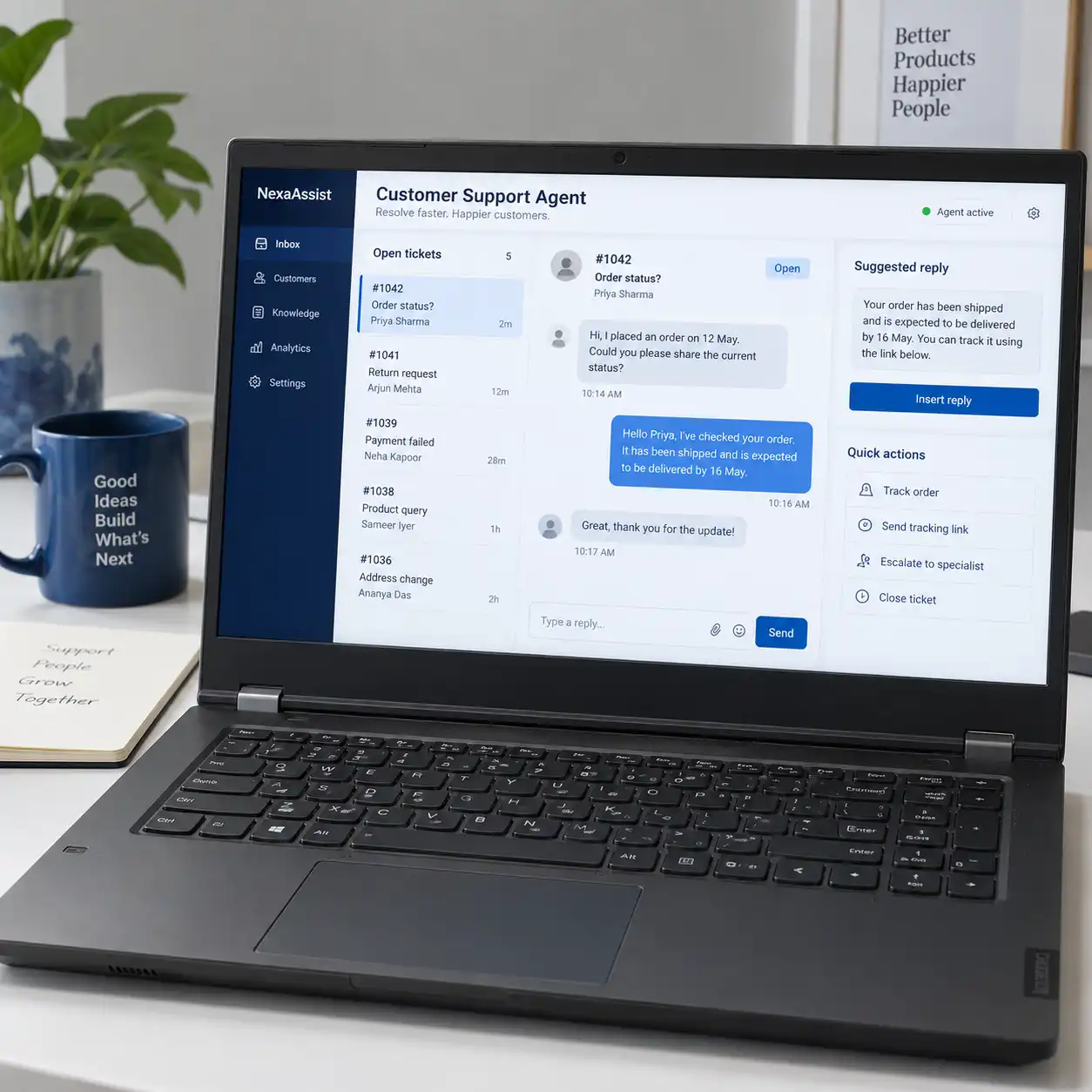
02Customer Support Agent
Answer common questions using approved support information and available account or order details. Create or update tickets, handle agreed routine requests, and pass complex cases to your team with the conversation context.
Best suited to: Support teams handling repeated product, service, or order questions.
 03
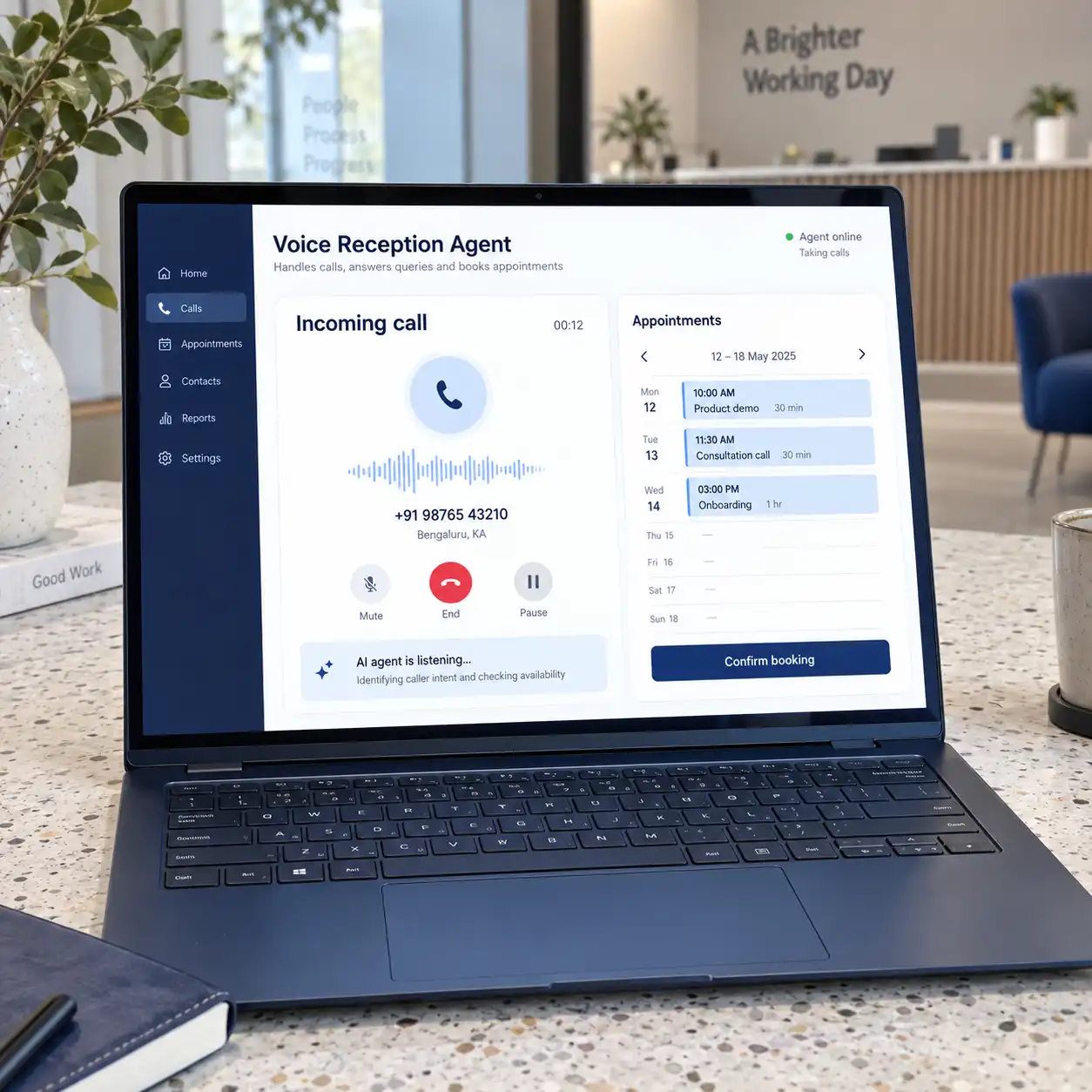
03Voice Reception & Appointment Agent
Handle inbound calls, answer routine questions, collect enquiry details, and book appointments against available slots. Define when calls should transfer to a person and how requests are captured when no one is available.
Best suited to: Appointment-based businesses and teams with busy reception lines.
 04
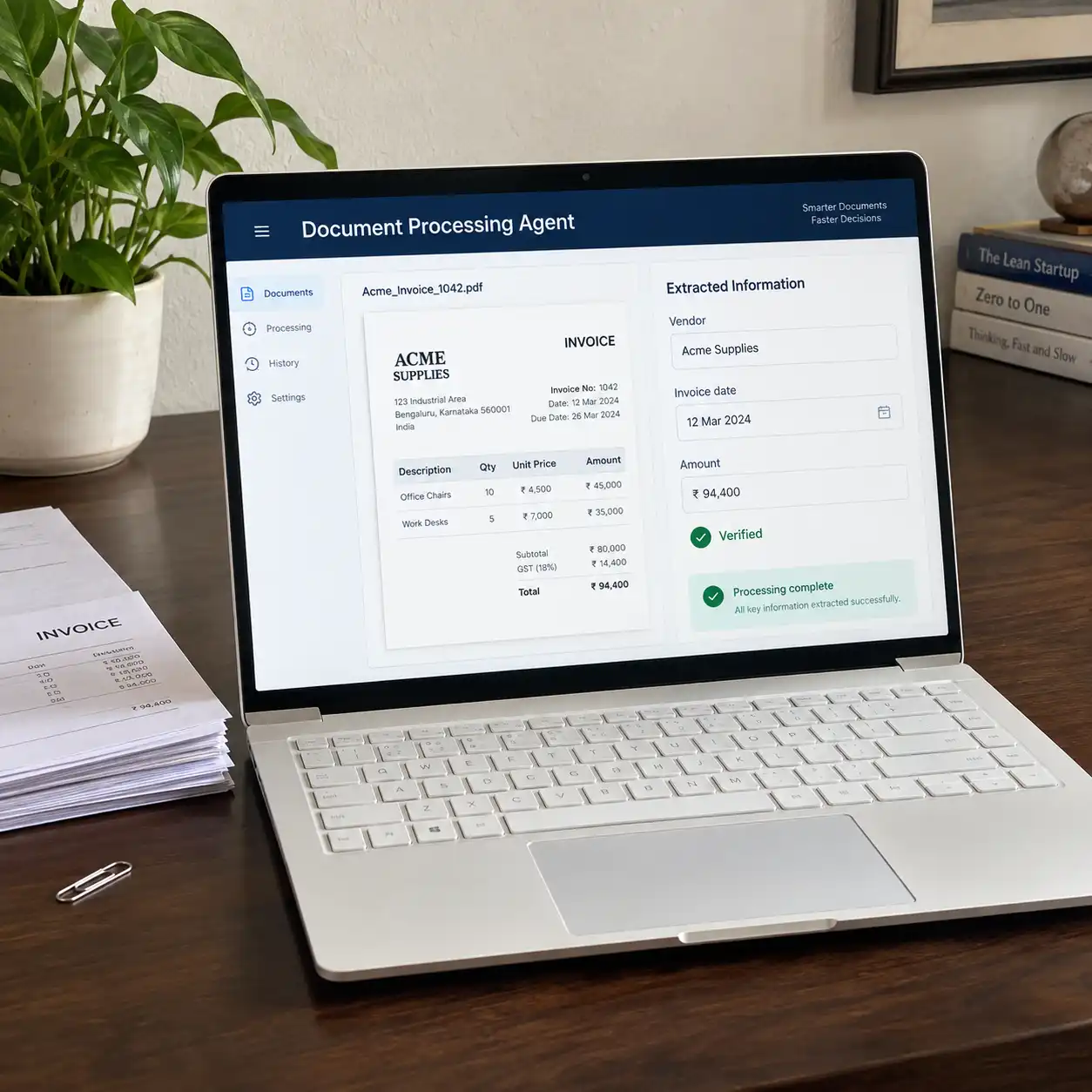
04Document Processing Agent
Read incoming forms, invoices, and other agreed document types, then extract the fields your team needs. Check for missing information, route uncertain entries for review, and send approved data into your business system.
Best suited to: Operations teams copying information from documents into records.
 05
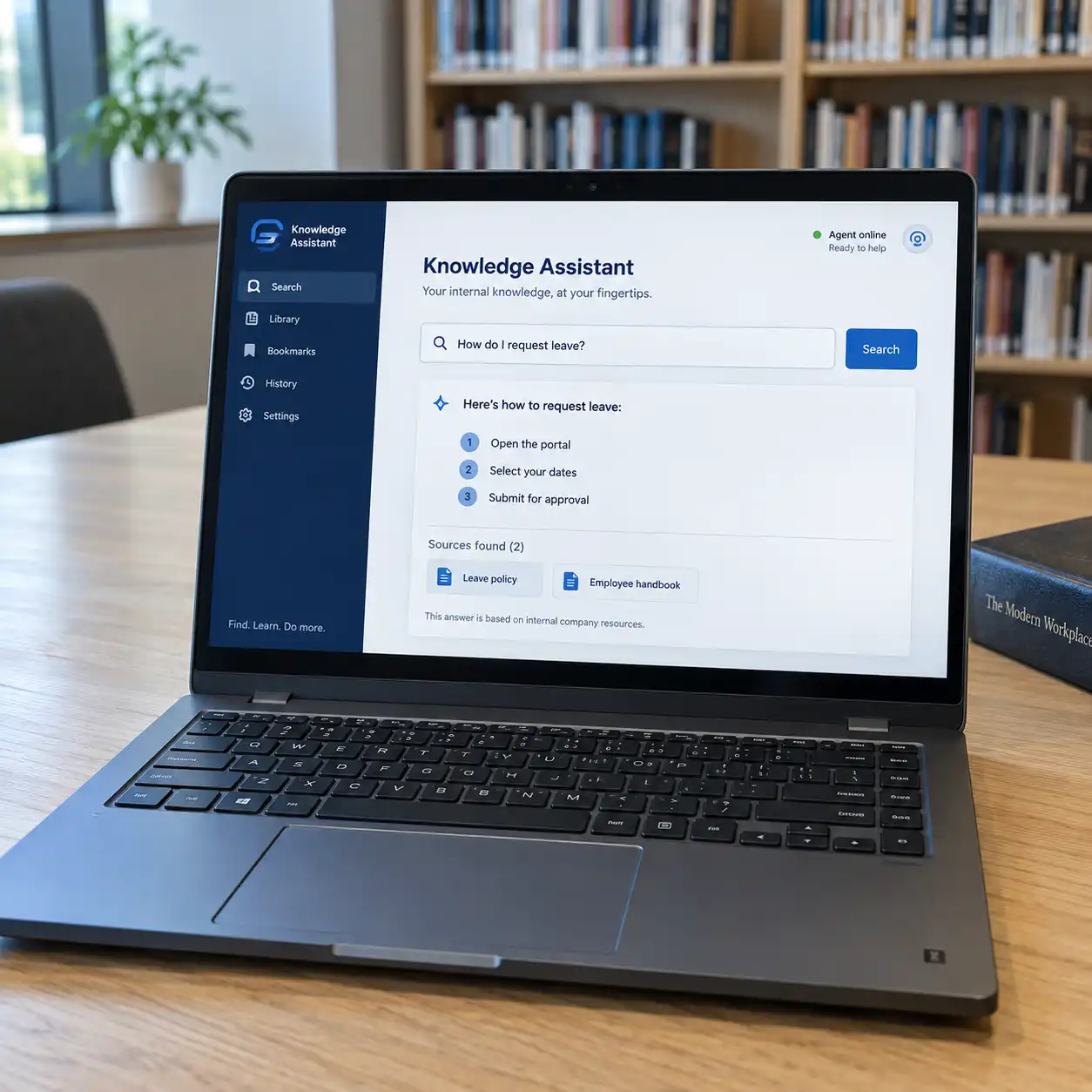
05Internal Knowledge Assistant
Help employees find answers in company policies, manuals, and process documents. Build responses around approved sources, include references, and apply access rules so information is available to the right users.
Best suited to: Teams searching across folders or repeatedly asking colleagues for guidance.
 06
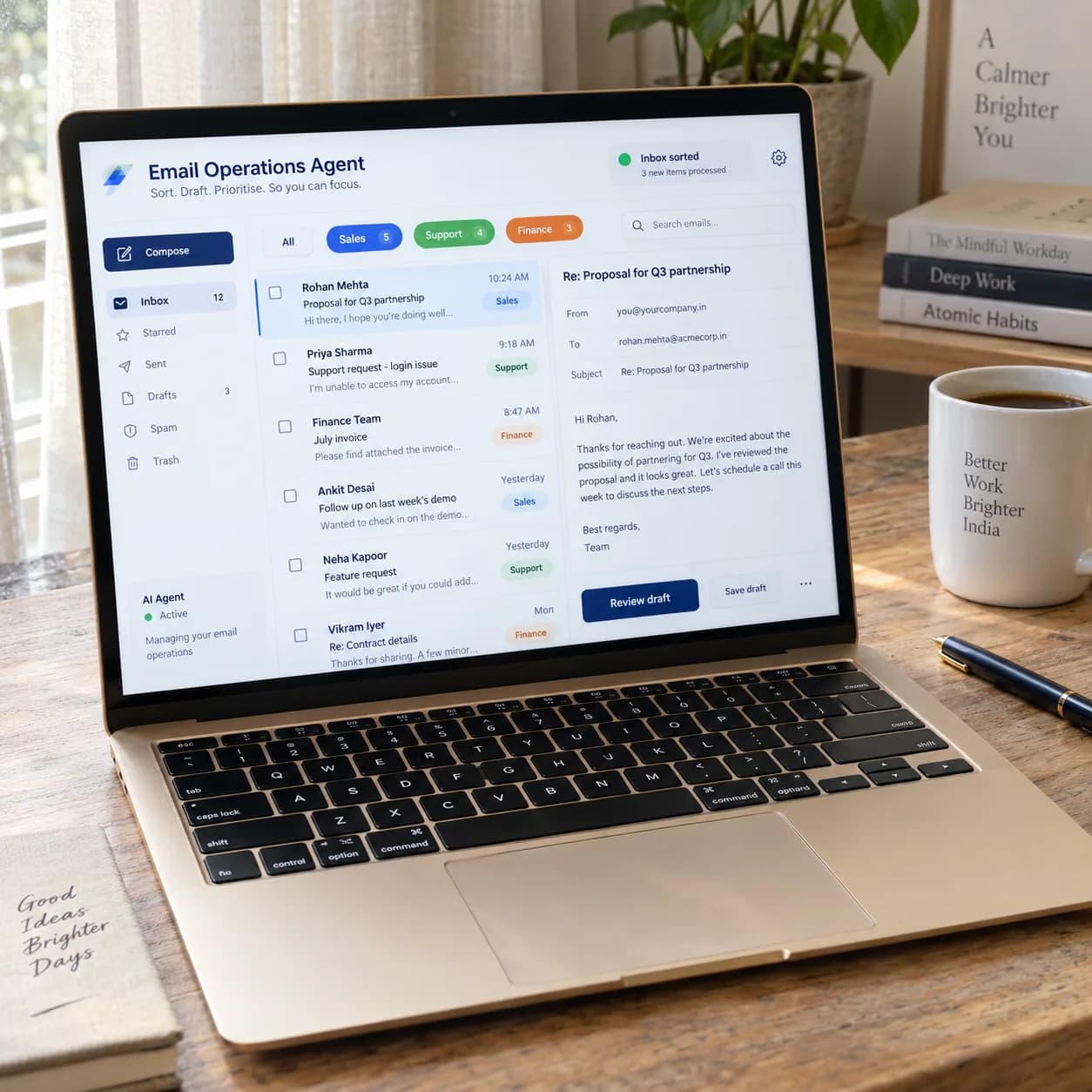
06Email Operations Agent
Sort a shared inbox by request type, extract useful details, and prepare replies for review. Route messages to the right person and create follow-up tasks so outstanding requests are easier to track.
Best suited to: Teams managing customer, supplier, or operational enquiries by email.
 07
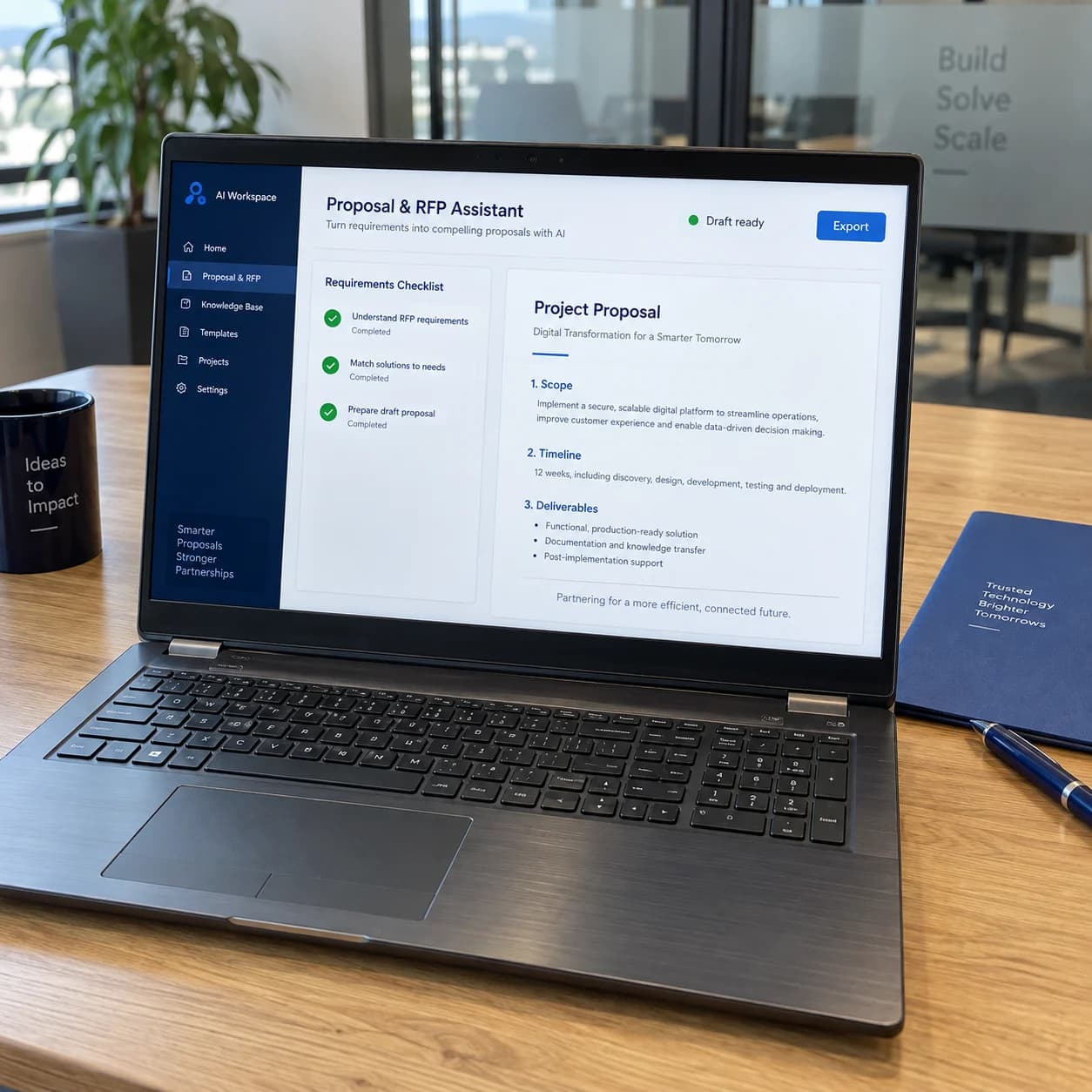
07Proposal & RFP Assistant
Review an enquiry or request for proposal, organize its requirements, and draft responses using approved company material. Flag missing information and unsupported claims so your team can check the content before submission.
Best suited to: Service businesses preparing proposals and detailed bid responses.
 08
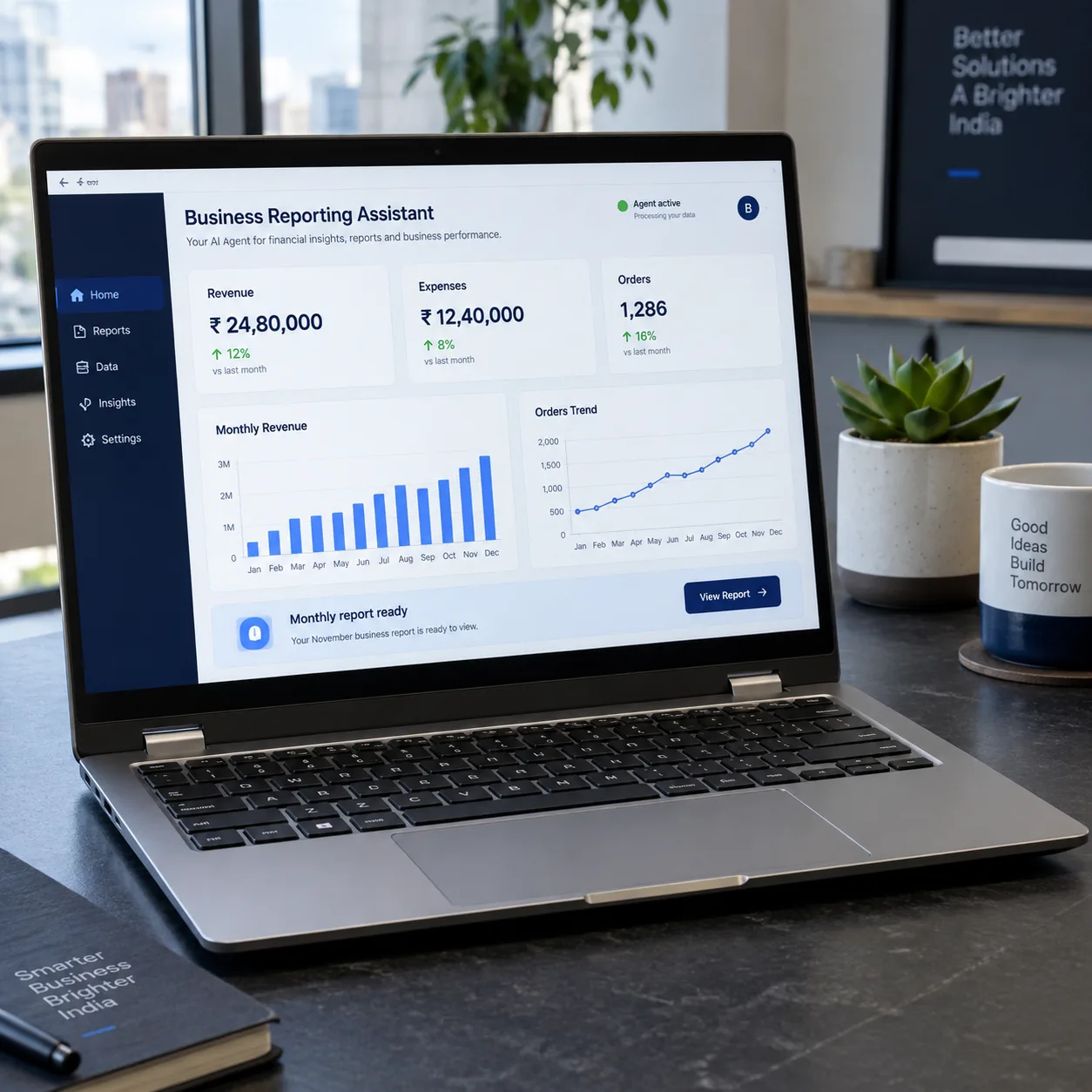
08Business Reporting Assistant
Bring together agreed metrics from connected systems and prepare a report for review. Highlight changes, reference the underlying figures, and flag missing data so your team can investigate before sharing conclusions.
Best suited to: Managers and analysts assembling recurring operational reports.
Need an Agent for a Different Workflow?
Tell us where work gets delayed, what your team repeats, and which systems are involved. We’ll assess whether a custom AI agent, workflow automation, or a combination fits the task.
How It Works
From an Incoming Request to a Recorded Action
A workflow connects the request, relevant information, and permitted actions. Review steps are placed where they are needed, and the result is recorded for follow-up.
Receives an enquiry, call, document, or scheduled task.
Retrieves relevant records or documents within the user’s permitted access.
Interprets the request and prepares a response or proposed action.
Sends defined actions or uncertain cases to a person before proceeding.
Carries out permitted actions and records their results in the relevant systems.
What We Measure
Judge the Solution by the Work It Improves
We agree on the measures that matter to your workflow and compare them with how the task is handled today. Speed is reviewed alongside accuracy and the work still needed from your team.
Less Manual Handling
Track time spent on tasks and the number of steps completed without re-entering information.
More Timely Responses
Measure enquiry response time, routing time, and requests still awaiting action.
Useful, Checkable Answers
Review answer accuracy, source references, and how often a response needs correction.
Reliable Task Completion
Check successful system updates, failed actions, and the quality of handovers to your team.
Our Approach
Start Focused. Test the Work. Expand with Evidence.
Choose the Workflow
Understand the task, its volume, and the systems involved. Establish what is practical with the information and access available.
Define the Agent’s Role
Agree on instructions, permitted actions, review points, and success measures. Decide what belongs in the first version.
Build and Connect
Develop the workflow and integrate the agreed information sources and tools. Review working examples with your team.
Evaluate and Launch
Test representative tasks, missing information, and exceptions. Use the results to decide whether the solution is ready for a limited rollout.
Review and Improve
Assess performance in use and address issues within the agreed support scope. Expand to further tasks when the results support it.
Frequently Asked Questions
What to Know Before You Start
01Which AI agent should our business start with?
Start with a repeated task that has a clear owner, accessible information, and an outcome you can check. Enquiry handling, document intake, and internal knowledge search are examples we can assess against your actual workflow.
02Can the agent connect to our existing tools?
We assess your CRM, email, calendar, and other systems for suitable integration options. The scope depends on available APIs, permissions, licenses, and the actions you want the agent to perform.
03Do we need a large dataset?
Not every project requires training a model on a large dataset. Some workflows can be scoped around existing documents, business records, and instructions. We review whether the information is accurate, accessible, and sufficient for the proposed task.
04Can we begin with a proof of concept?
Yes. We can scope a proof of concept around one workflow and agreed examples. It helps test feasibility and identify remaining work before deciding on a production rollout.
05Will the agent act without human approval?
That depends on the agreed permissions. Routine actions can be automated within defined rules, while actions such as sending proposals, changing sensitive records, or approving transactions can require a person’s review.
06How will our business information be handled?
During scoping, we agree on information sources, user access, deployment, and the model providers involved. We also review the applicable data-handling and retention settings before connecting business information.
07How long does implementation take, and what will it cost?
The scope depends on the workflow, integrations, data preparation, and testing required. After reviewing these, we provide a proposed timeline and cost breakdown, including applicable hosting, model usage, and third-party services.
08What happens if the agent cannot complete a task?
We define how uncertain answers, missing information, and failed actions are handled. Depending on the workflow, the agent can ask for clarification or pass the task to your team with the relevant context.
09Is ongoing support available?
We can include maintenance, output reviews, and integration updates in an agreed support plan. Coverage and response arrangements are defined around the deployed solution.
Let’s Talk About Your Workflow
Which Task Would You Like to Take Off Your Team’s List?
Share what your team does today, which tools it uses, and where the work gets stuck. We’ll help define a focused starting point for your AI agent or automation project.
Discuss Your AI Requirements