
Plan cloud deployments and migrations around your applications, data, and usage needs. Cantabridge Technologies sets up hosting, backups, and monitoring, then reviews resource use as your requirements change.
Discuss Your Cloud RequirementsOur Perspective
Start with What Your Application Needs to Run
Your website, application, and database each have requirements for computing resources, storage, access, and recovery. Understanding those needs helps define the environment and the ongoing work required to maintain it.
We review what you run today, how people use it, and where problems occur. That gives us a basis for planning a new deployment, moving an existing workload, or improving the hosting you already have.
What We Deliver
Deployment, Hosting, and the Work That Keeps Them Running
We plan and configure the environment behind your applications, including data storage, access, backups, and monitoring. The scope can cover a single deployment or ongoing support for an existing setup.
Cloud Planning
Review applications, dependencies, data, and usage to define the hosting environment and delivery scope.
Application Deployment
Prepare the runtime environment, deploy the application, and check its main workflows and connected services.
Cloud Migration
Plan the transfer of agreed applications and data, including testing, the changeover window, and a fallback approach.
Server & Hosting Setup
Configure servers, web services, domains, HTTPS, and application access for the agreed environment.
Data Storage & Backups
Set up the required storage and scheduled backups, define retention, and include agreed restore checks.
Monitoring & Alerts
Track selected application and server signals, with notifications routed to the people responsible for responding.
Resource & Cost Reviews
Review resource usage and spending to identify idle capacity, sizing issues, or changes that need investigation.
Maintenance & Deployment Support
Assist with agreed updates, troubleshooting, configuration changes, and subsequent application releases.
Cloud Services in Practice
Support for New Deployments and Existing Environments
Choose a starting point based on what you need to launch, move, or improve. We define the work around your current setup and the people responsible for operating it.
 01
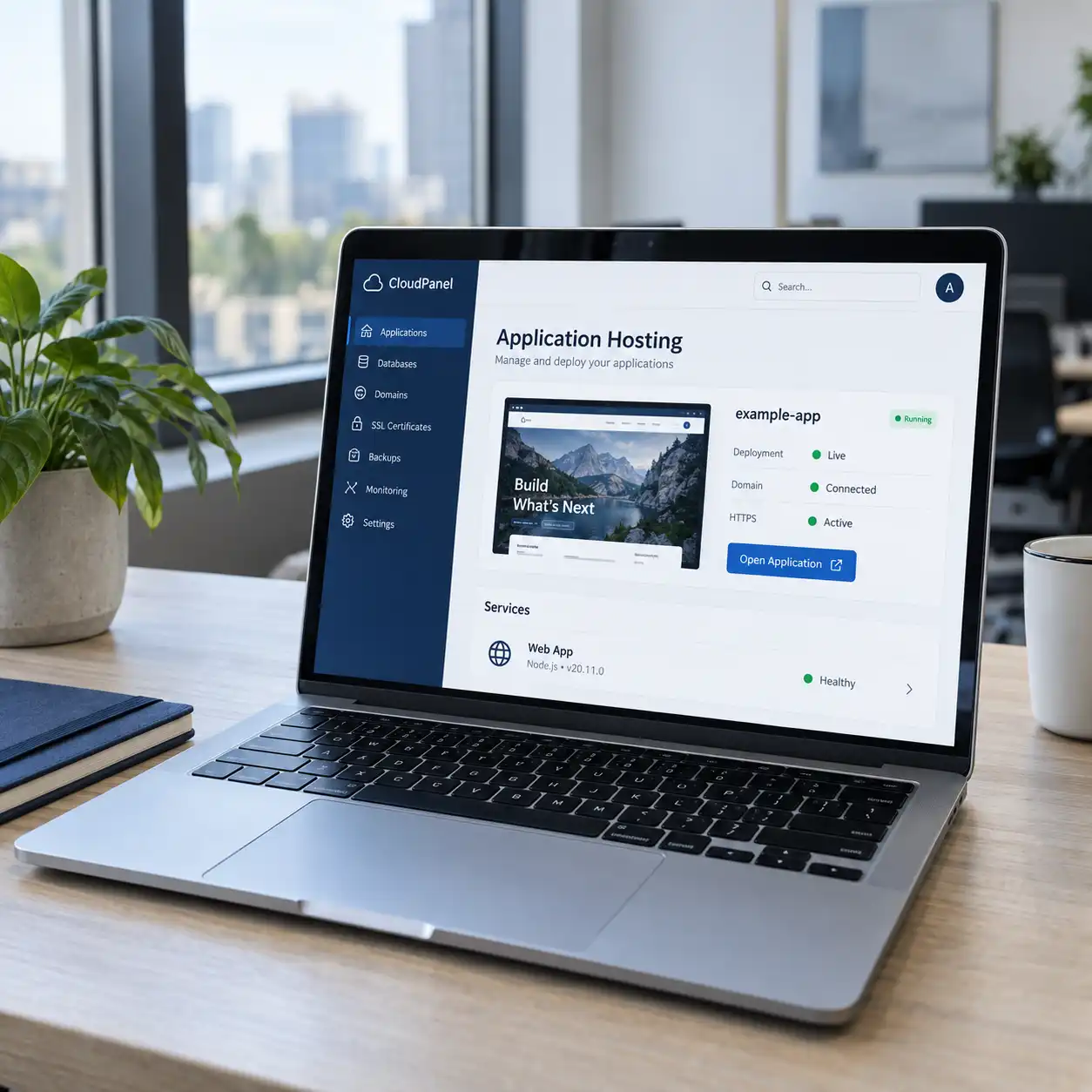
01Website & Application Hosting
Set up an environment for your website, customer portal, or business application. Configure the runtime, domain connection, HTTPS, and application settings, then check the main user journeys after deployment.
Useful for: Businesses preparing a new website or application for use.
 02
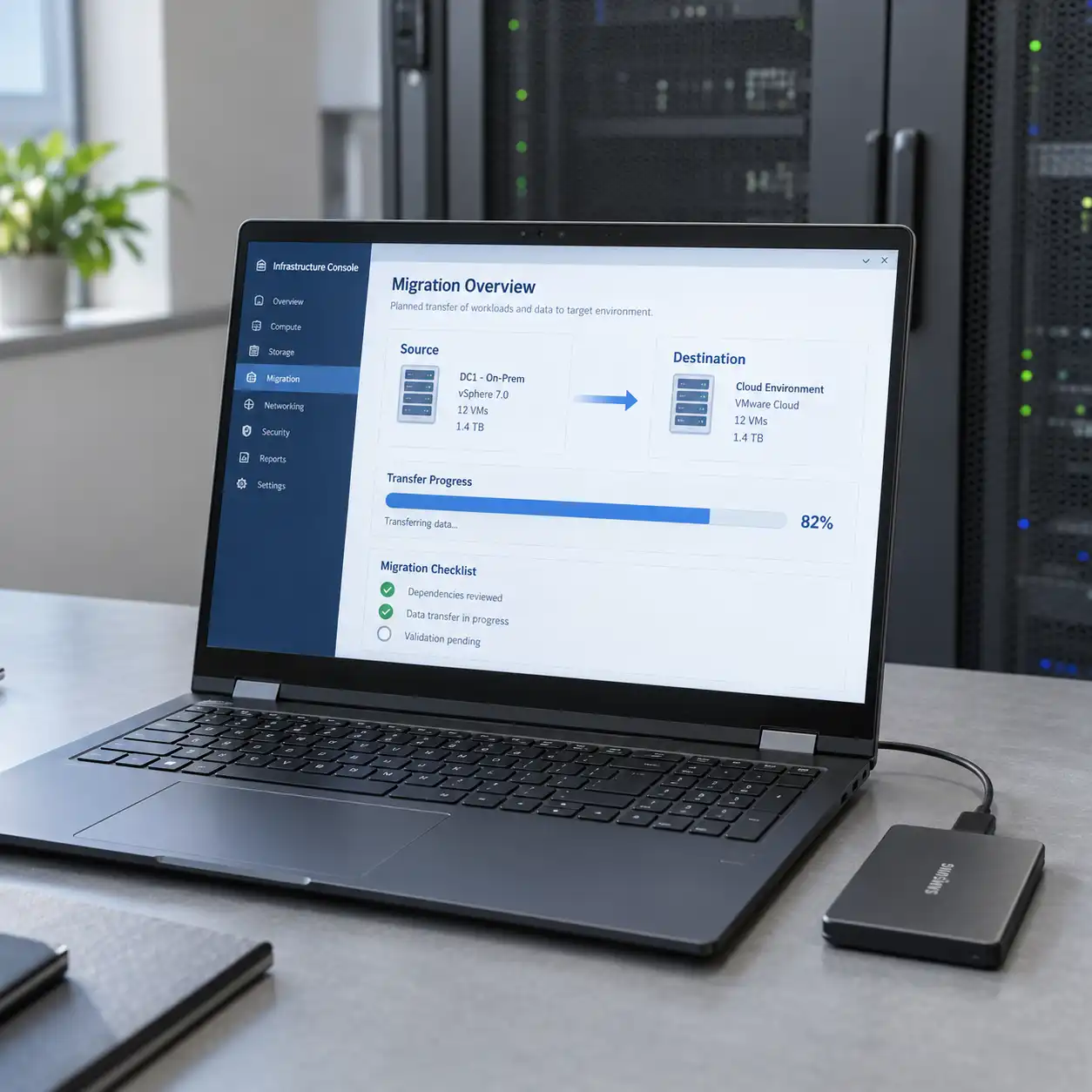
02Application & Data Migration
Move agreed workloads from an existing server or hosting environment to a planned destination. Review dependencies, prepare the data transfer, test the application, and coordinate the final changeover.
Useful for: Teams changing hosting or moving selected workloads to the cloud.
 03
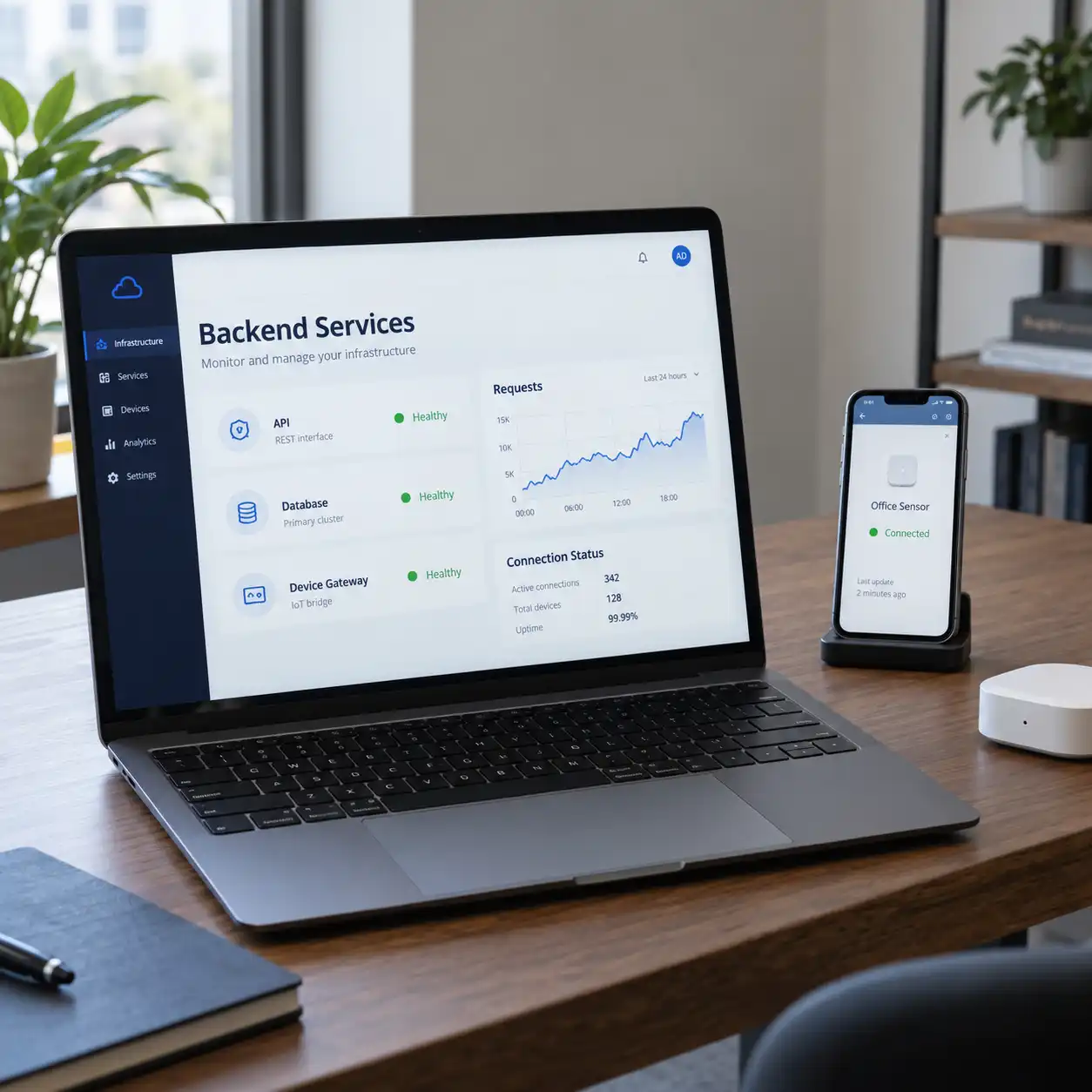
03Mobile, IoT & API Backend Hosting
Deploy the backend services that support mobile apps, connected devices, and business integrations. Plan database connections, service access, and monitoring around the expected requests and data flow.
Useful for: Businesses running applications that depend on a central backend.
 04
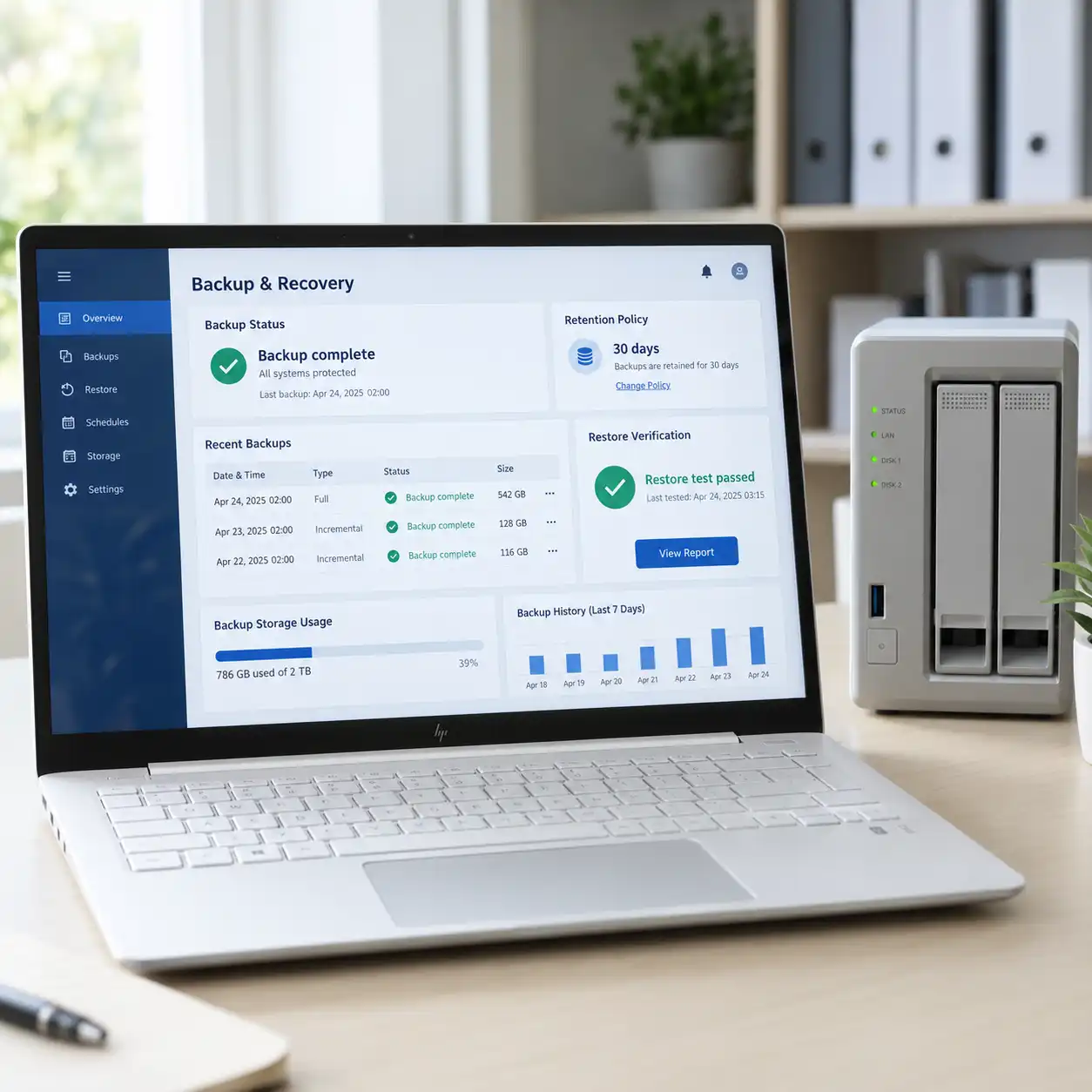
04Backups & Restore Checks
Set up backups for the agreed databases, files, and configurations. Define how much history to retain and test selected restore procedures so the recovery process can be reviewed before it is needed.
Useful for: Teams that need a documented way to recover application data.
 05
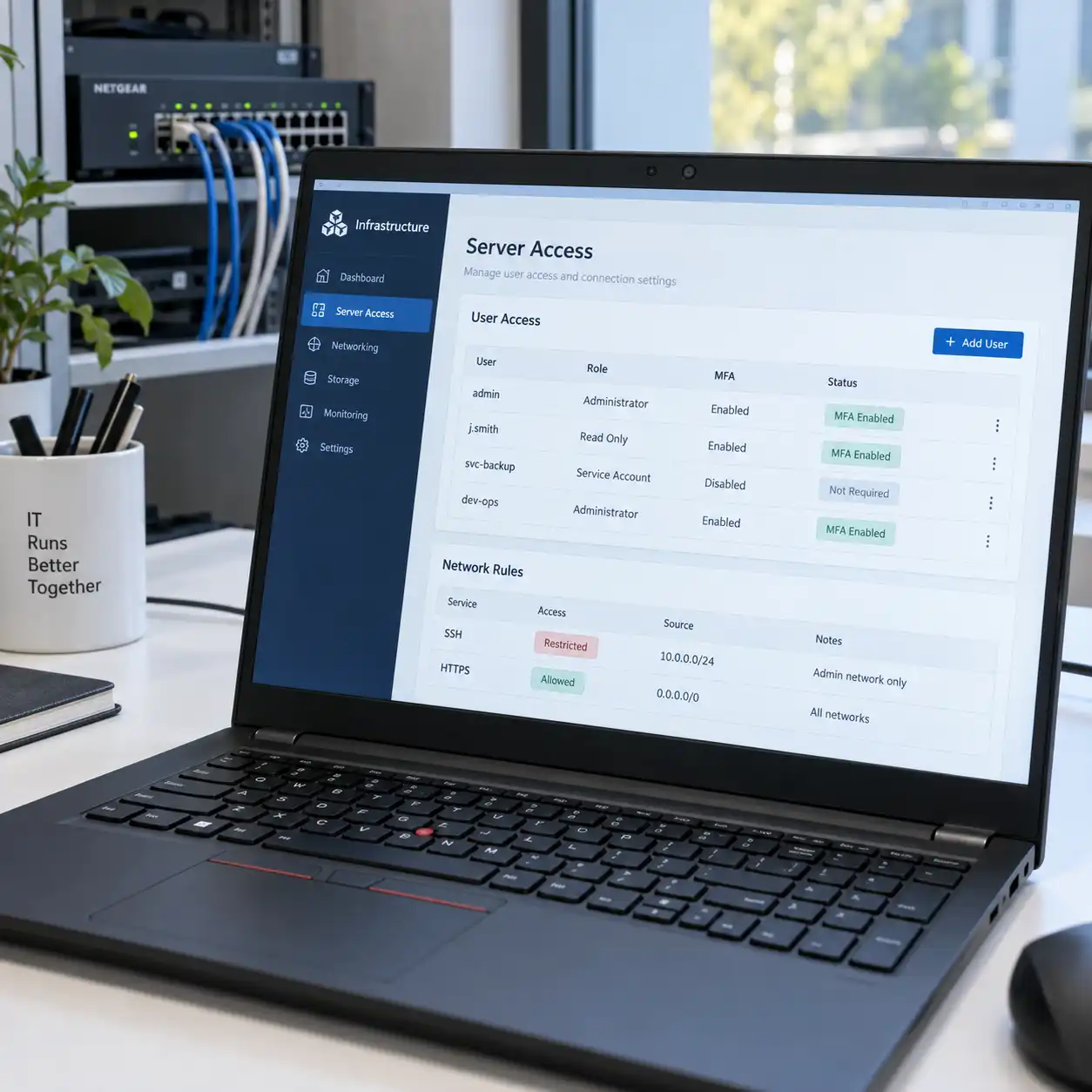
05Server Access & Configuration
Review administrative access, exposed services, and application settings. Configure permissions and network rules around the users and systems that need access, with responsibilities for updates defined.
Useful for: Businesses setting up a server or reviewing an existing environment.
 06
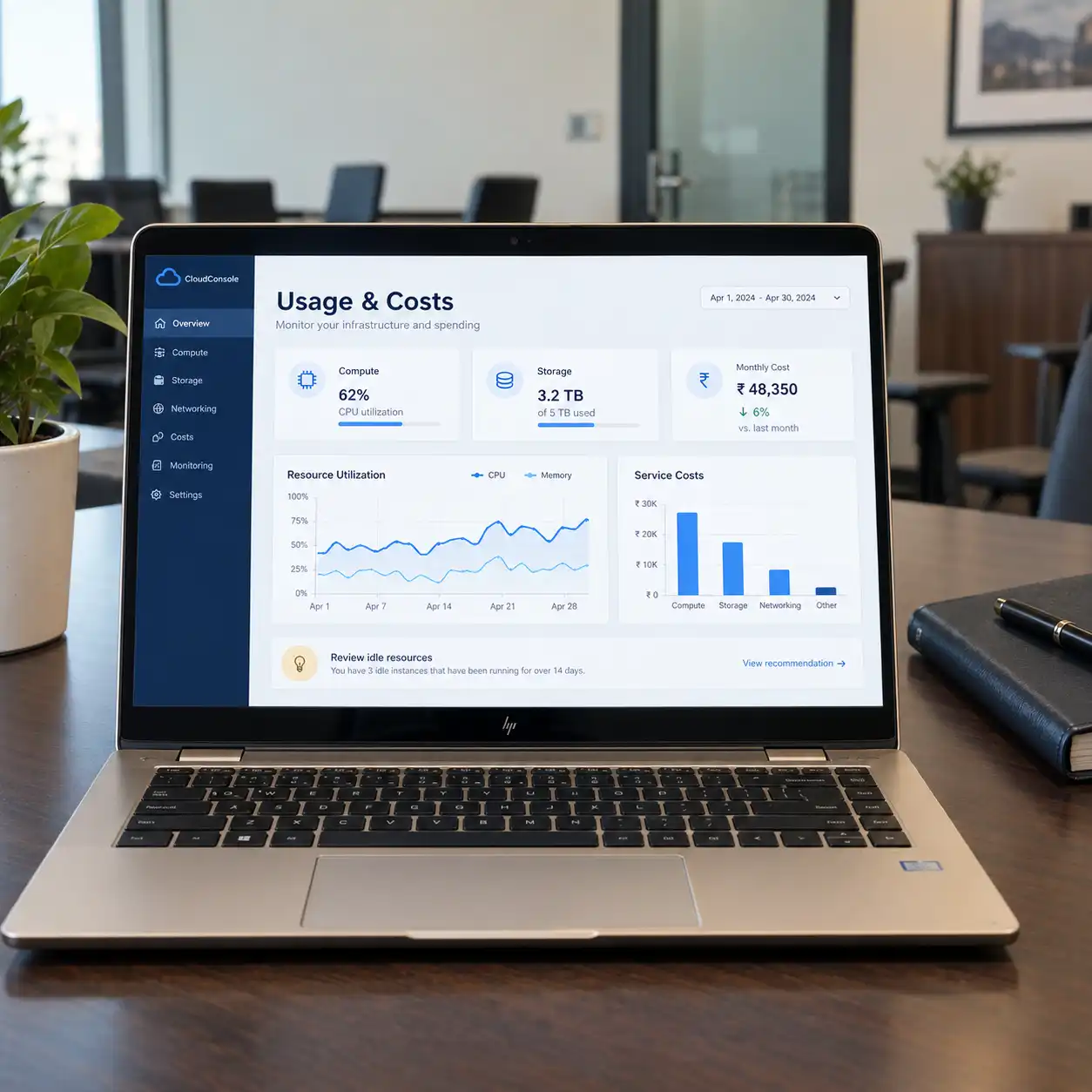
06Resource Usage & Cost Reviews
Examine compute usage, storage growth, and the services contributing to your bill. Identify possible changes and assess their effect on application performance and operating needs before implementation.
Useful for: Teams investigating rising costs or uncertain capacity requirements.
 07
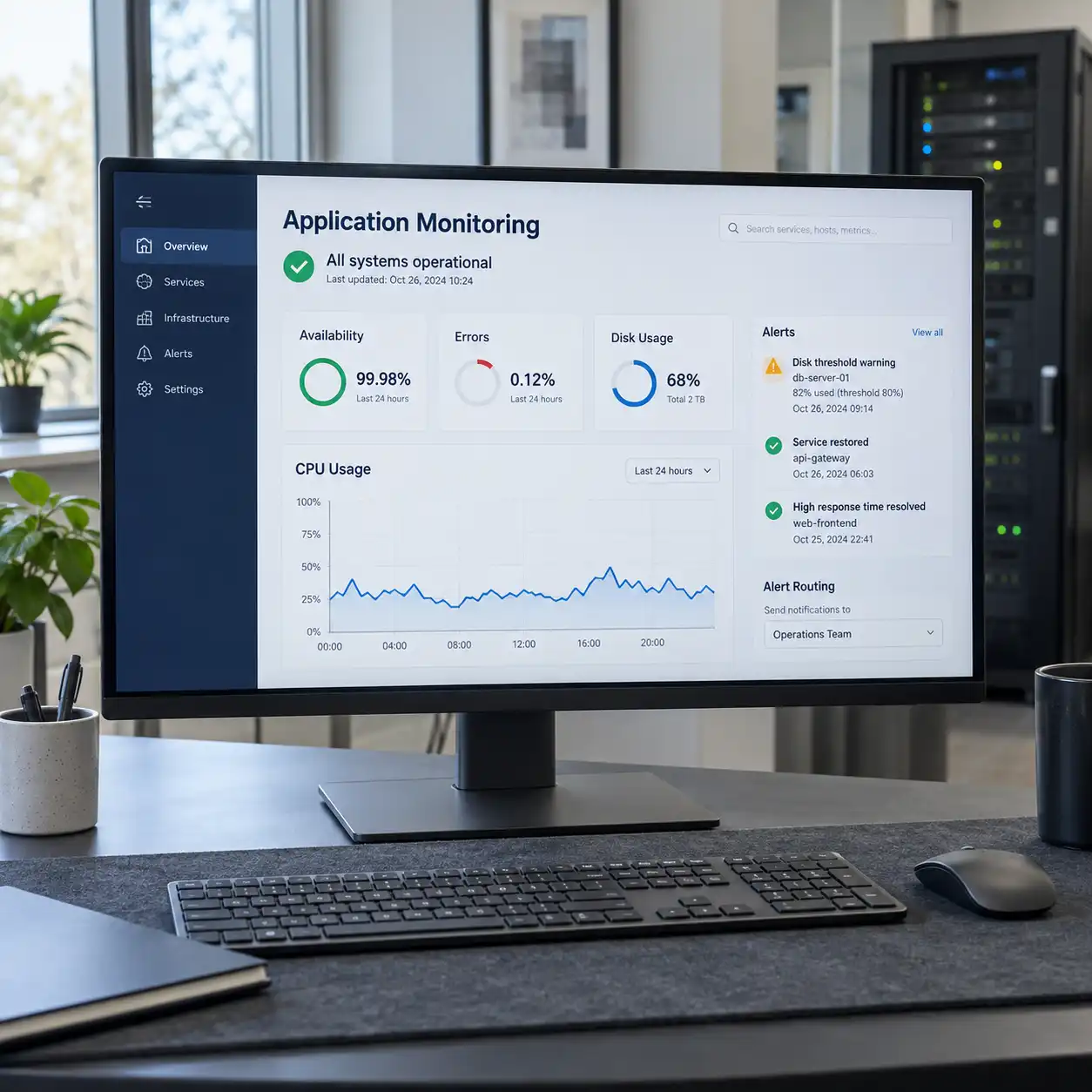
07Application Monitoring & Alerts
Configure checks for agreed signals such as application availability, errors, disk use, and resource pressure. Define alert thresholds and recipients so notifications have a clear route for follow-up.
Useful for: Teams that need visibility into issues affecting their applications.
 08
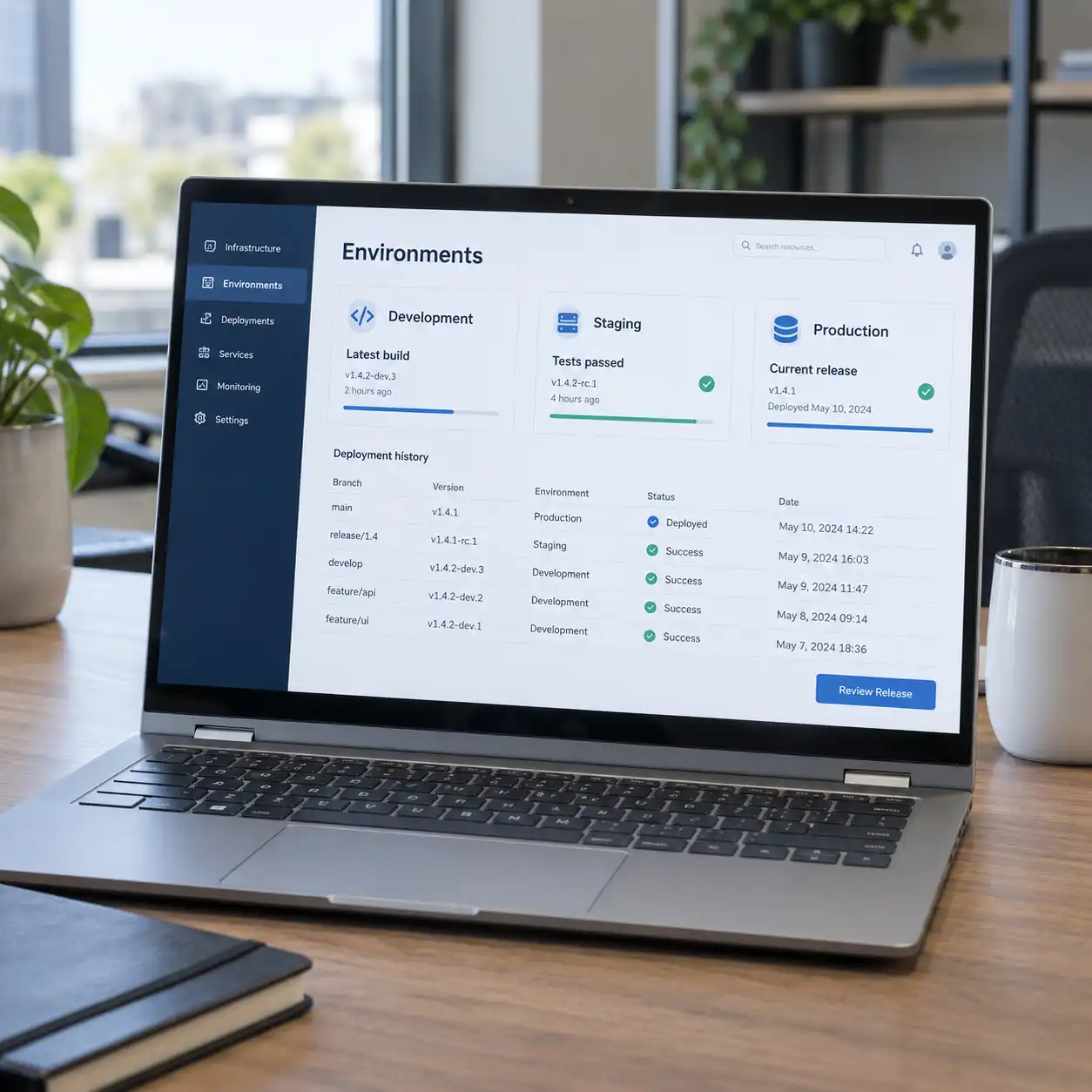
08Development & Staging Environments
Create separate environments for building and testing changes before production release. Define configuration, access, and deployment steps so developers can review updates in a controlled setup.
Useful for: Teams releasing features or maintaining an active application.
Have a Different Hosting or Cloud Requirement?
Tell us what you are running, where it is hosted, and what needs to change. We’ll review the deployment, migration, or support work involved.
How the Environment Fits Together
Give Each Part of Your Application a Clear Place to Run
The setup connects your application, data, and network access with the backup and monitoring arrangements needed to operate it. The components depend on the workload rather than a fixed template.
Runs the website, backend services, or other agreed workloads.
Holds the application records, uploaded files, and supporting data.
Controls how users, administrators, and services connect to the environment.
Maintains agreed recovery copies and documented restore procedures.
Makes application health, usage, and selected cost information available for review.
Business Outcomes
Know What Is Running, What It Needs, and What It Costs
A Clearer Deployment Setup
Document the services, settings, and responsibilities needed to release and operate your application.
A Defined Recovery Process
Establish backup coverage, retention, and restore checks around the data your business needs to recover.
Better Visibility into Issues
Bring agreed monitoring signals and alerts into view so the responsible team can investigate changes.
Resources Matched to Usage
Use observed workload and spending information to guide capacity adjustments as requirements change.
Our Approach
Plan the Move. Check the Application. Review It in Use.
Review the Workload
Understand your applications, data, integrations, current hosting, and expected usage. Identify the constraints and access needed for the work.
Define the Environment
Plan hosting, storage, network access, backups, and monitoring. Agree on costs, responsibilities, and the deployment or migration scope.
Prepare and Deploy
Configure the destination and transfer or deploy the agreed components. For a migration, prepare the changeover and fallback steps before switching users to the new environment.
Validate the Setup
Check the application workflows, data, permissions, backup jobs, and monitoring included in scope. Review any remaining issues before completing the handover.
Monitor and Adjust
Review the agreed health, usage, and cost information. Plan maintenance and resource changes as the application and its operating needs develop.
Implementation & Support
Keep the Environment Aligned with Your Application
We can support deployments, server configuration, backup checks, monitoring, and incident investigation after setup. The agreement defines the environments covered, support hours, response arrangements, and approval process for changes that affect service or spending.
Frequently Asked Questions
What to Know Before Your Next Cloud Change
01Can you deploy an application we already have?
Yes. We review its runtime, database, dependencies, configuration, and external services before planning deployment. Share the application details and current hosting so we can define the required environment.
02Can you work with our existing hosting provider?
We assess the access, services, and configuration options available in your current setup. Depending on the requirement, we may be able to improve the existing environment or propose a migration for specific reasons.
03Which cloud platform should we use?
We evaluate the application requirements, integrations, budget, support needs, and your team’s familiarity with the platform. The recommendation follows that review; a provider is not selected simply because it is widely used.
04Will migrating the application cause downtime?
That depends on the application, data changes, and migration method. We agree on a transition plan, test the destination, and define a changeover window and fallback approach. Any expected interruption is discussed before the move.
05Can you set up backups and help with recovery?
We can configure backups for agreed data and include restore checks and recovery documentation. The scope defines the backup frequency, retention, recovery priorities, and who is responsible for carrying out a restore.
06Can you reduce our cloud bill?
We can review usage, storage, idle resources, and recurring services to identify possible changes. Savings depend on the findings and the performance or availability requirements that need to be maintained; no fixed reduction is promised.
07Can you monitor our application after deployment?
Yes. We can configure selected checks and alerts and provide ongoing review within an agreed support plan. Monitoring coverage, recipients, support hours, and response responsibilities are defined separately.
08Can the environment expand as usage grows?
We can review capacity as usage changes and plan suitable adjustments. The options depend on the application, database, hosting services, and budget. Automatic scaling is included only where it is specifically designed and configured.
09Who owns the hosting account and pays provider charges?
Account ownership, billing responsibilities, and administrative access are defined in the agreement. Our proposal separates deployment or support work from applicable provider charges and third-party subscriptions.
010Do you offer ongoing maintenance?
Yes. Maintenance can cover agreed server updates, configuration reviews, backup checks, deployment assistance, and troubleshooting. The support plan defines coverage and how work outside that scope will be handled.
Let’s Review Your Cloud Requirements
What Do You Need to Deploy, Move, or Improve?
Share your application details, current environment, and priorities. We’ll help define the hosting, migration, backup, or monitoring work needed for your next step.
Discuss Your Cloud Requirements