
Bring your services closer to the people using them. Cantabridge Technologies develops mobile apps for customers, employees, and connected devices—covering interface design, application code, backend integration, testing, and release support.
Discuss Your Mobile AppOur Perspective
Design Around the Moment Someone Needs the App
A customer may want to check an order in a few taps. A technician may need to record a site visit. An equipment operator may need to check a device and send a command. Each situation calls for a different mobile experience.
We plan around where the app will be used, what information should be available, and what happens when a connection is interrupted. Clear navigation, useful feedback, and well-defined permissions are part of the application from the start.
What We Deliver
The App, the Backend, and the Connections Between Them
We turn your requirements into mobile screens, working features, and the services behind them. The scope can cover a new application, improvements to an existing app, or a mobile interface for your current business systems.
Mobile App Planning & UX
Map the main tasks, screens, navigation, and user roles around the intended devices and operating conditions.
Android & Cross-Platform Development
Write application code for the agreed Android and iOS scope, using a development approach suited to the features and maintenance needs.
Backend & API Development
Build or connect the services, databases, and business logic behind accounts, records, and application actions.
Sign-In & User Permissions
Implement account access, recovery, sessions, and role-based permissions around what each user should see and do.
Notifications & Activity Updates
Connect relevant events to in-app updates and push notifications, with preferences and behavior defined for the app.
Device & Business Integrations
Connect supported phone features, IoT devices, payment services, CRM, and other tools through suitable interfaces.
Testing & Release Preparation
Test agreed devices, operating-system versions, and user journeys, then prepare builds and submission materials for the chosen distribution route.
Maintenance & Feature Updates
Investigate issues, update dependencies and integrations, and develop additional features within the agreed support or development scope.
What We Can Build
Apps for Your Customers, Your Team, and Your Equipment
Explore mobile applications shaped around specific business tasks. Each project defines the features, data access, and integrations needed for the people using it.
 01
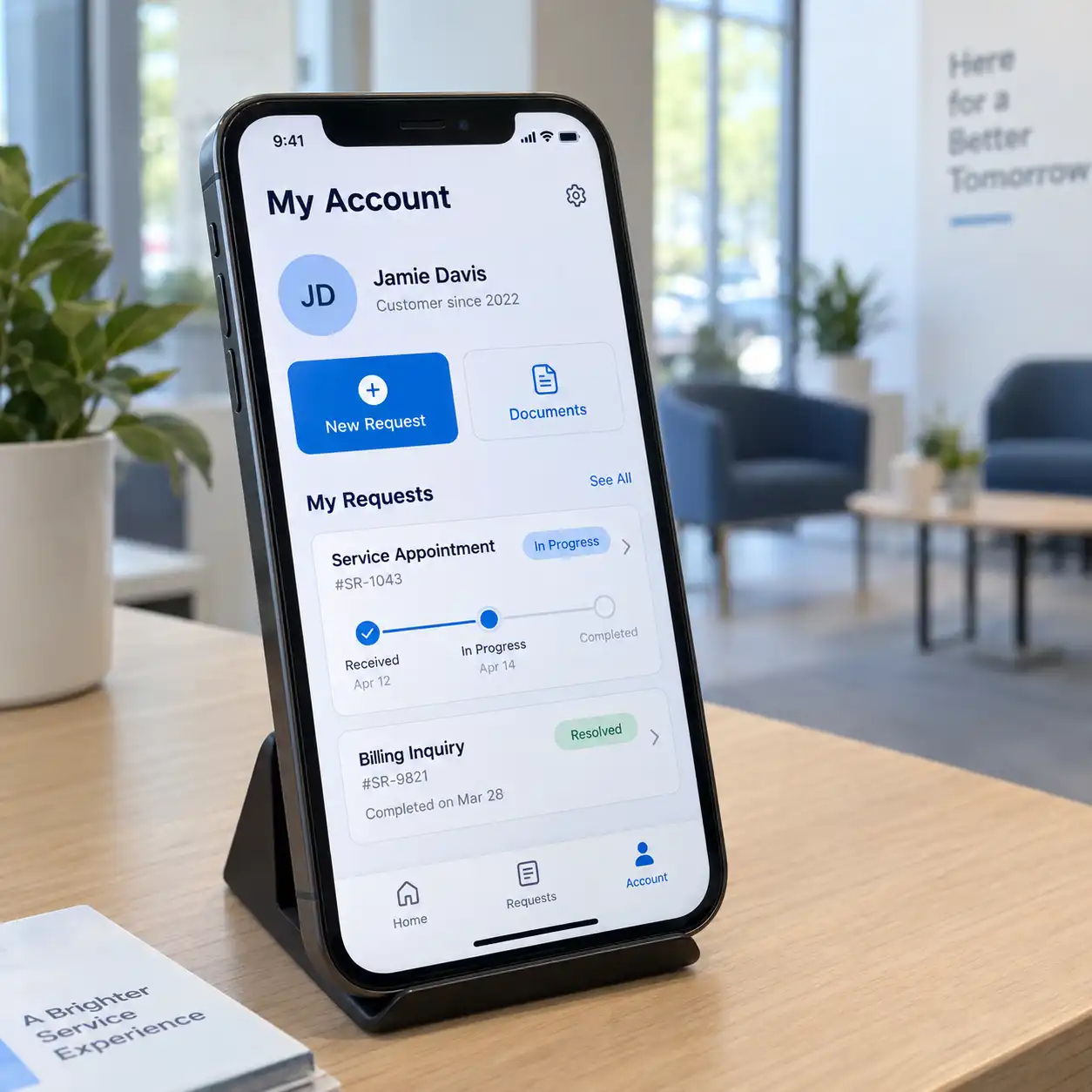
01Customer Service Apps
Let customers manage account details, submit service requests, share documents, and check progress. Connect the app with your support workflow so staff can respond with the relevant information.
Useful for: Businesses managing ongoing customer accounts and service requests.
 02
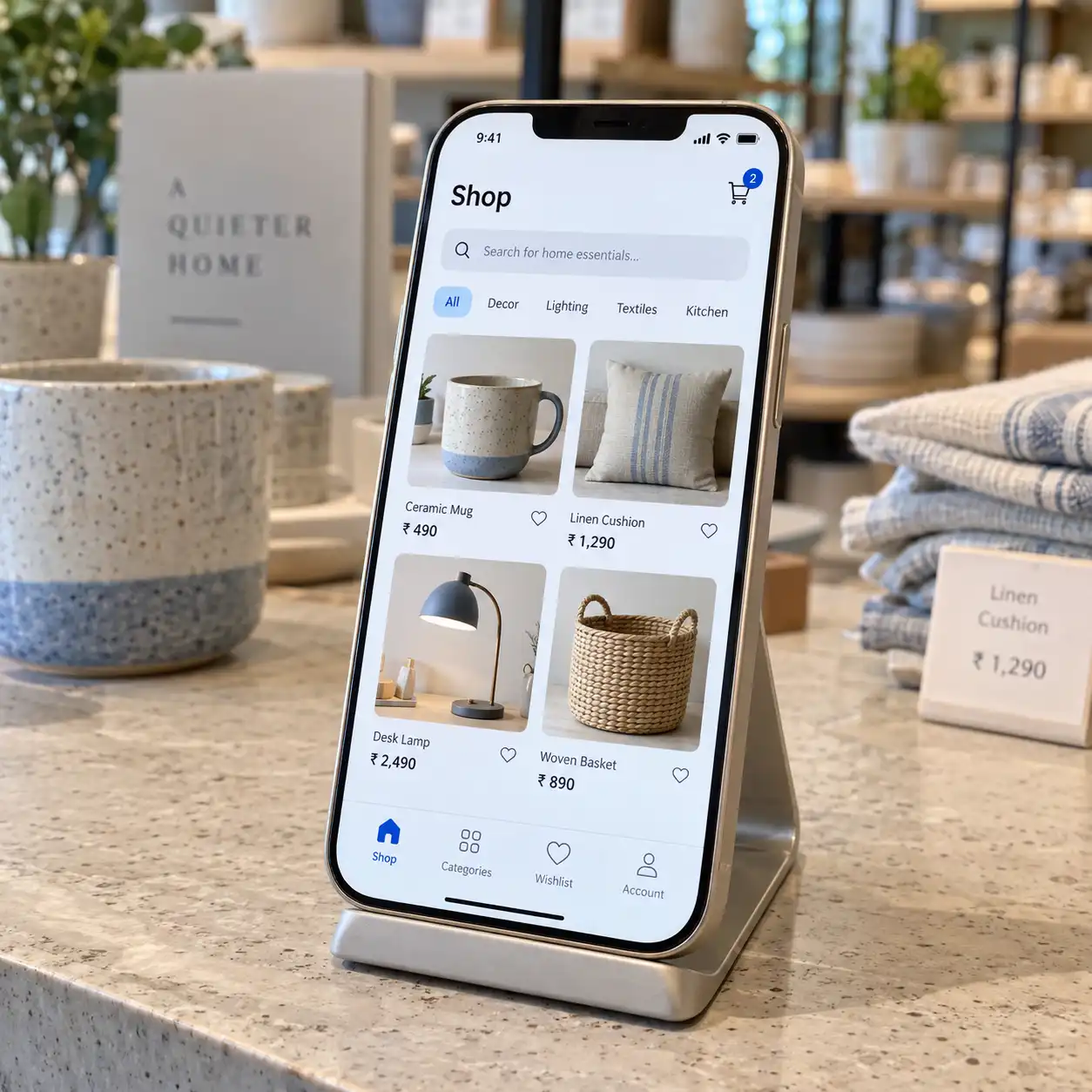
02E-commerce Apps
Build product browsing, search, carts, and order-management features for mobile shoppers. Integrate the agreed payment service and provide order updates from your store or fulfilment system.
Useful for: Retailers offering customers a dedicated shopping app.
 03
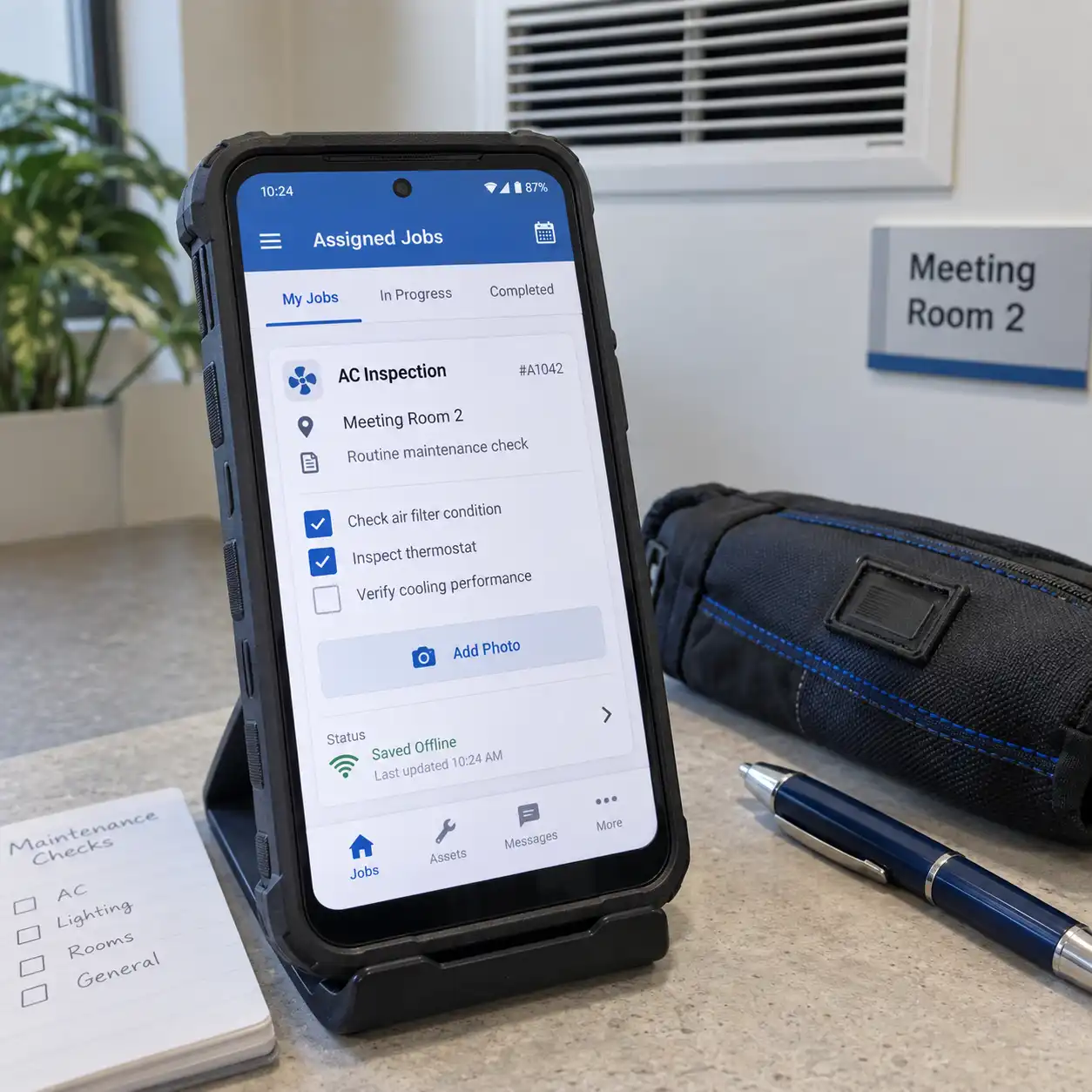
03Field Service Apps
Give staff access to assigned jobs, checklists, and site information. Let them capture notes, photos, and work status, with selected offline features where the workflow and implementation support them.
Useful for: Installation, inspection, maintenance, and service teams working on-site.
 04
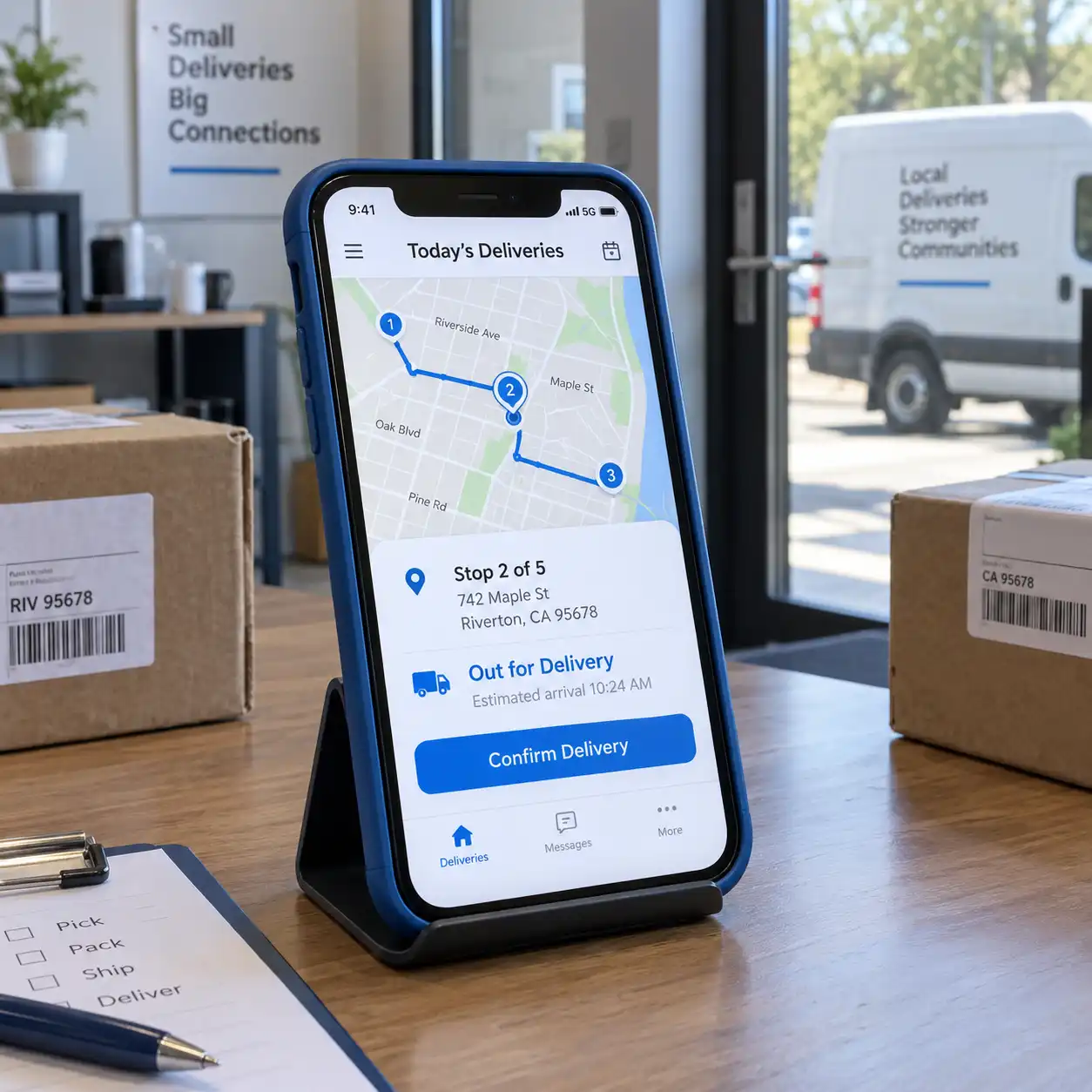
04Delivery & Logistics Apps
Help drivers or field teams view assigned work, update delivery stages, and capture completion records. Add maps or location features where required, with the necessary permissions and operating conditions defined.
Useful for: Businesses coordinating deliveries and field movements.
 05
05Sales & CRM Apps
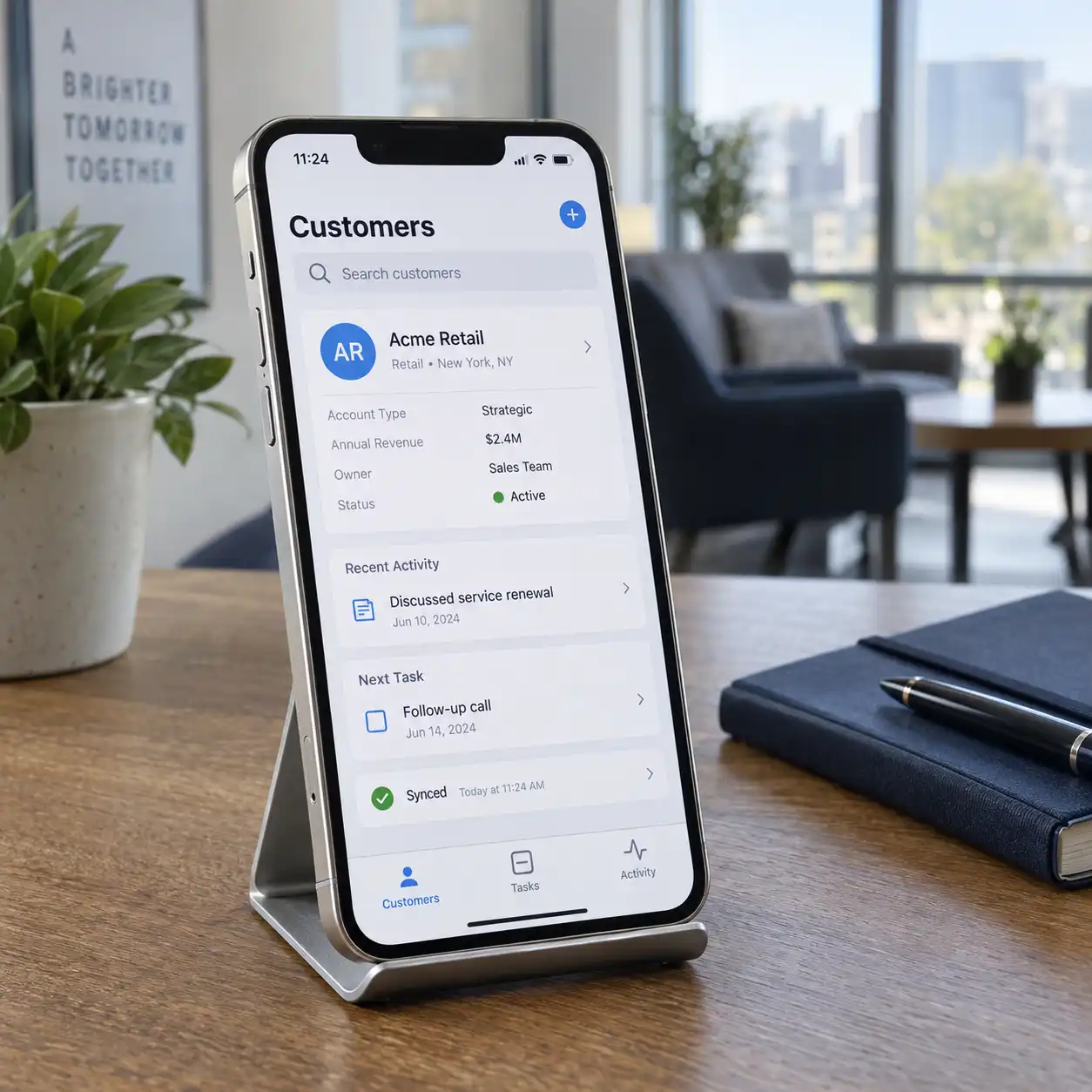
Give sales staff mobile access to customer records, meeting notes, and follow-up tasks. Connect updates to Salesforce or another supported system so information from the field can reach the wider team.
Useful for: Sales teams visiting customers or working away from a desk.
 06
06Learning & Course Apps
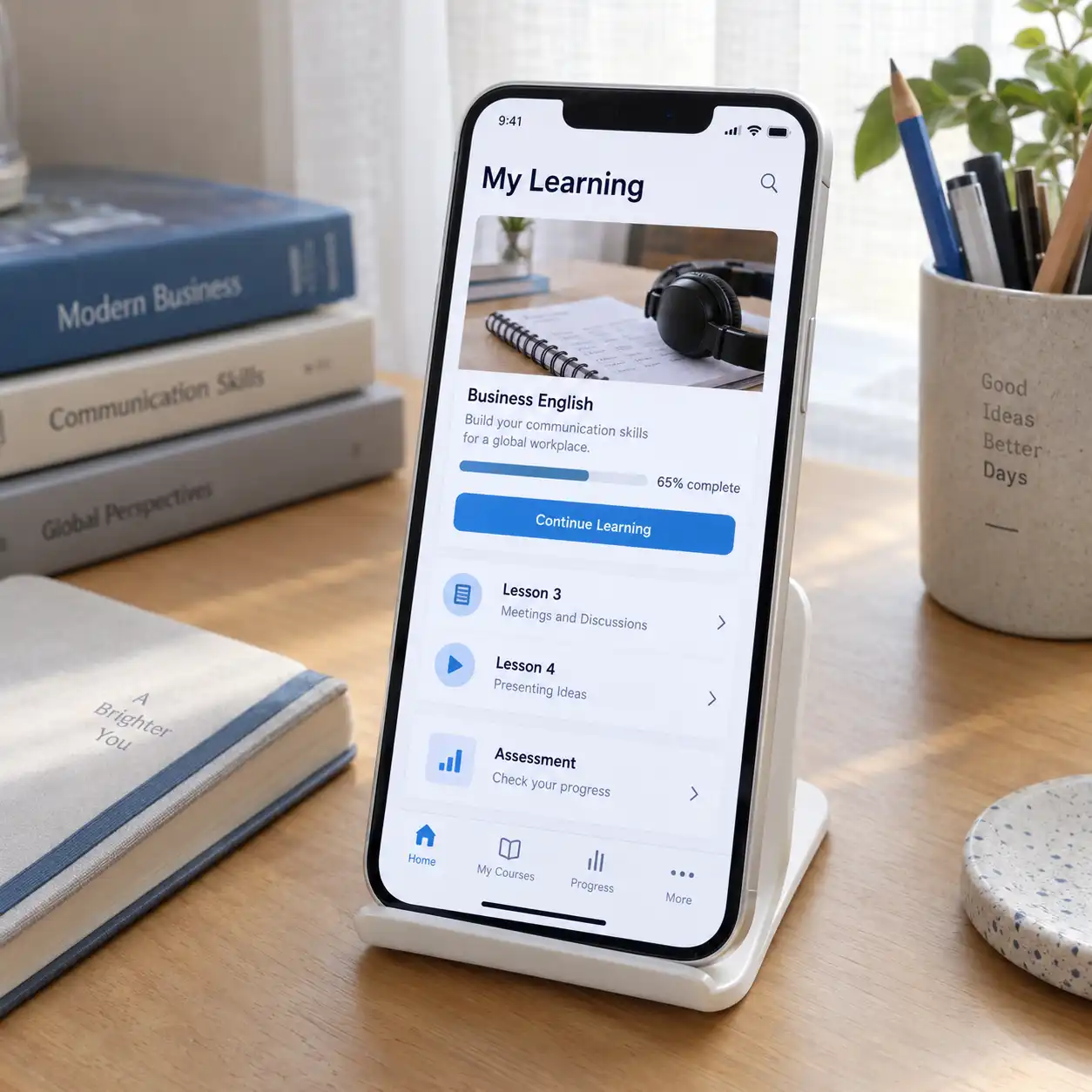
Bring course access, learning materials, assessments, and progress views into a mobile experience. Connect enrollment and administration to the platform that manages your learners and content.
Useful for: Training providers and organizations delivering structured learning.
 07
07IoT Monitoring & Control Apps
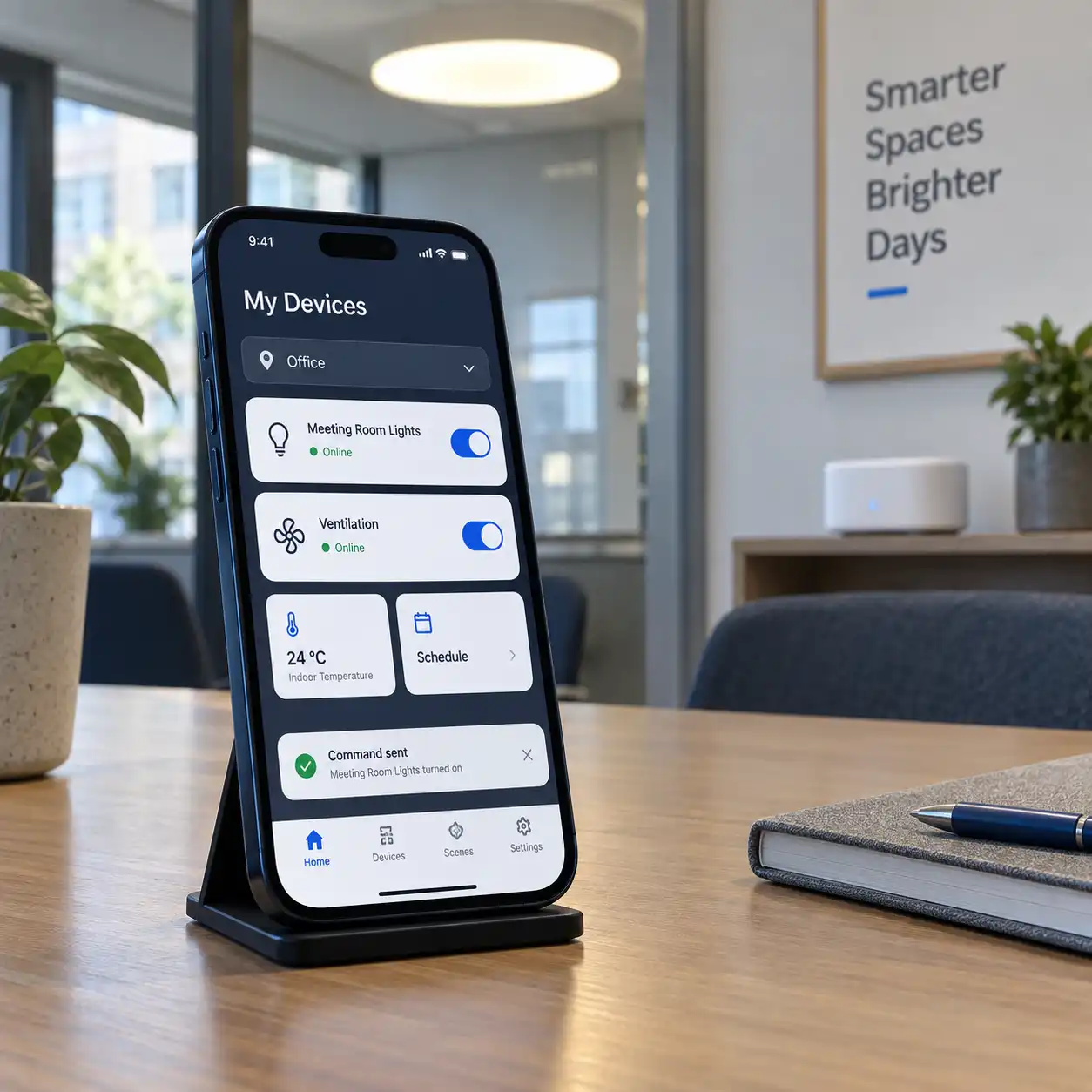
Show device status, sensor readings, alerts, and available controls in one application. Add timers, schedules, or supported commands for compatible equipment, with connection status and action feedback visible to users.
Useful for: Businesses operating connected devices across locations.
08Employee Workflow Apps
Build mobile forms and task flows for attendance, expenses, internal requests, or approvals. Give each role access to the actions it needs and show the status of work awaiting review.
Useful for: Teams that need to submit and manage work while away from a workstation.
Have a Different App in Mind?
Tell us who will use the app, which tasks it should support, and what it needs to connect with. We’ll help define the first release and the development work involved.
How It Connects
Keep the Mobile Experience Connected to Your Business
The app is one part of the solution. We define how its screens, local data, backend services, and integrations work together, including how users see progress, errors, and pending actions.
Presents navigation, content, forms, and actions for the agreed user journeys.
Handles screen behavior and any local storage, drafts, or offline features included in scope.
Connect the app to authorized information and actions through the agreed services.
Store records, apply business rules, and exchange data with connected tools or devices.
Support app distribution, issue investigation, and agreed performance and error reporting.
Business Outcomes
Help People Complete Their Work on Mobile
Easier Access to Your Services
Give users a direct route to the account information, requests, or transactions they need.
Less Repeated Reporting
Capture information at the point of work and connect it to the relevant business records.
Clearer Status and Follow-Up
Show whether a request is pending, a record has synced, or an action needs attention.
Room for the Next Release
Organize application code and services so additional features can be planned, tested, and maintained.
Our Approach
Build Around Real Tasks and Real Devices
Define the Mobile Requirement
Understand your audience, target platforms, and main tasks. Agree on essential features and the systems the app needs to access.
Design the Experience
Map screens, navigation, permissions, and key states such as loading, errors, and offline use. Review how users move through the main workflows.
Develop and Integrate
Build the app and connect the agreed backend, devices, and third-party services. Review working features with your team during development.
Test the User Journeys
Check the agreed device and operating-system coverage, permissions, network interruptions, and integrations. Resolve issues against the planned release requirements.
Prepare the Release and Support
Prepare the agreed distribution builds and handover materials. Define release responsibilities, maintenance coverage, and how feedback will inform future updates.
Implementation & Support
Keep the App Useful After Its First Release
We can support issue resolution, compatibility reviews, backend changes, and feature updates after launch. The support plan defines the devices and platforms covered, release responsibilities, and maintenance arrangements for integrations and dependencies.
Frequently Asked Questions
What to Know Before Starting Your App
01Do you develop for Android and iOS?
We can scope Android or cross-platform delivery for Android and iOS. The plan depends on the required features, audience, integrations, and testing needs. Target platforms and any platform-specific work are agreed before development.
02Can you build the backend and an admin panel too?
Yes. We can include APIs, databases, account management, and an admin interface for managing the app’s records or content. We can also assess integration with a backend you already use.
03Can you improve an existing mobile application?
We can review the source code, dependencies, backend, and known issues to scope fixes or new features. This review helps determine what can be retained and whether parts of the application need reworking.
04Can the app work without an internet connection?
Selected tasks can be designed for offline use, such as saving drafts or capturing field information for later sync. We define what can work locally, what requires a connection, and how conflicting or failed updates should be handled.
05Can you add push notifications?
We can implement notifications for agreed events, such as an order update, assigned task, or device alert. We plan user permissions, preferences, and the behavior when a notification is opened. Critical workflows should also make their status available inside the app.
06Can the app connect to IoT devices?
We assess the device interfaces, communication method, backend, and permitted actions. The app can then be scoped for readings, alerts, and supported controls, with clear feedback about connection and command status.
07Can you integrate payments, maps, or Salesforce?
We review the selected service’s interfaces, account requirements, and permissions before defining an integration. Third-party subscriptions, usage charges, and platform-specific work are identified in the scope.
08Can you help release the app on Google Play or the App Store?
We can help prepare builds, listing materials, and submissions as part of the agreed release scope. Developer accounts, required business information, and review responses are planned with you. Store review decisions and approval dates are outside our control.
09Will we receive the source code and project access?
Source-code handover, build documentation, account access, and ownership terms are defined in the agreement. Third-party components and ongoing services are identified separately.
010How much will the app cost, and how long will it take?
The main factors include platforms, screens, workflows, integrations, backend work, and testing coverage. We provide a proposed scope, timeline, and cost breakdown after reviewing the requirement, including relevant external service costs.
011Can we start with a smaller first version?
Yes. We can define a first release around the main user journey and essential features. Additional features can be prioritized after testing the initial experience and reviewing user feedback.
Let’s Discuss Your App
What Should Your Users Be Able to Do?
Share your app idea, target users, and the features that matter most. Whether you need a customer app, an internal tool, or a connected-device interface, we’ll help define a practical first release.
Discuss Your Mobile App